

1. File Upload
Upload documents directly to train your AI on internal or external content. Supported formats: PDF, CSV, DOCX, and TXT Drag files into the box or click to browse
2. Website URL
Train your agent on content pulled directly from a public website. Enter the main domain (e.g.,https://expertise.ai)
 The system will crawl and show a list of discovered pages
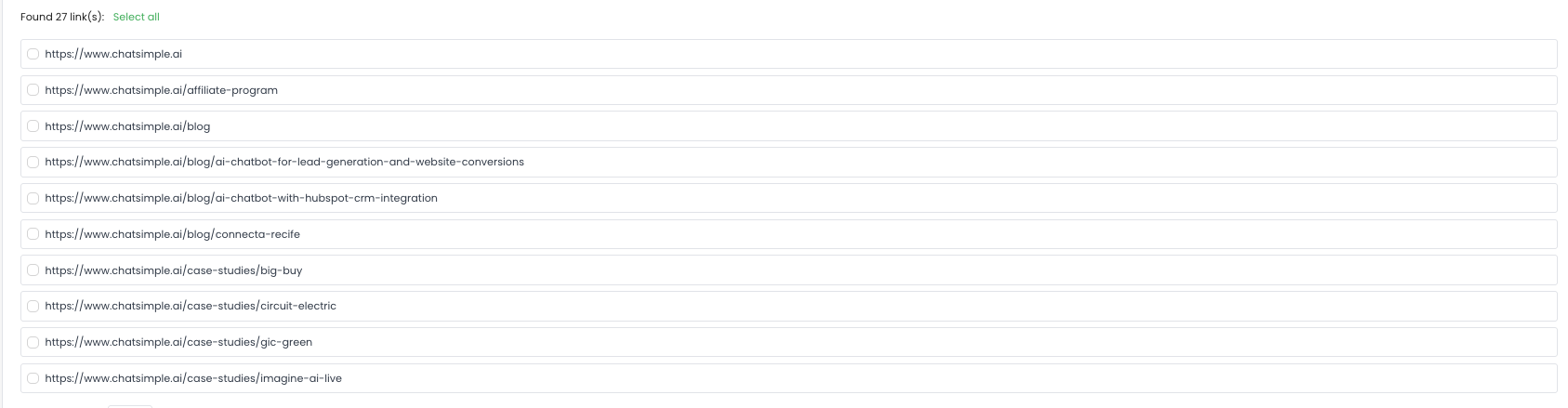 Select any or all pages to train
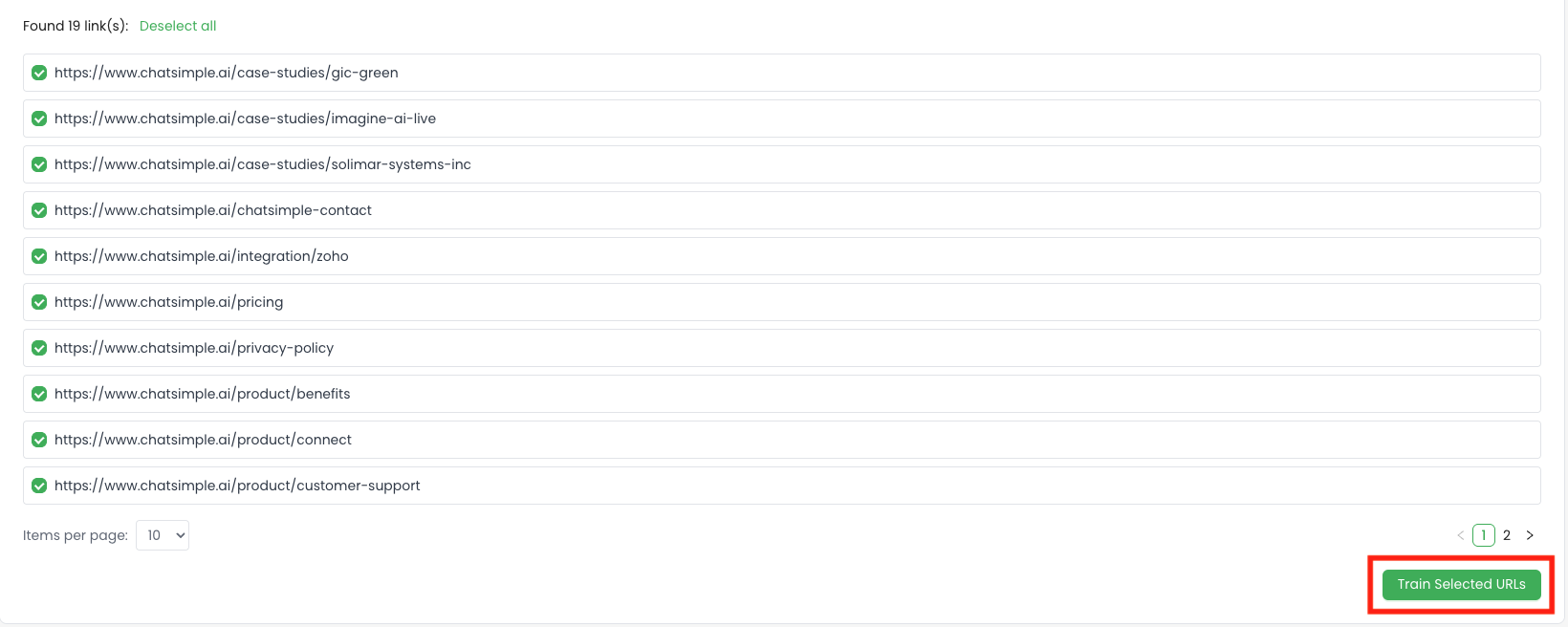
 You can also upload sitemap or enter xml link to fetch all the urls

3. Text Input
Manually input custom training material by entering:- A title
- Rich text content
4. Train Behind Login Wall
For private websites, you can train content behind authentication.- First, enter your login credentials
- Then, training works just like website URL training Use this to train gated portals, internal dashboards, or intranet articles.
Retraining Options
 Once your content is trained, it can be kept up to date:
Re-train: Select any existing item and click the refresh icon to pull in the latest version
Daily Re-train: For pages that update regularly, select them and enable daily retraining
Once your content is trained, it can be kept up to date:
Re-train: Select any existing item and click the refresh icon to pull in the latest version
Daily Re-train: For pages that update regularly, select them and enable daily retraining
- 🕛 We’ll re-train the selected materials daily at midnight UTC

Training Material Suggestions
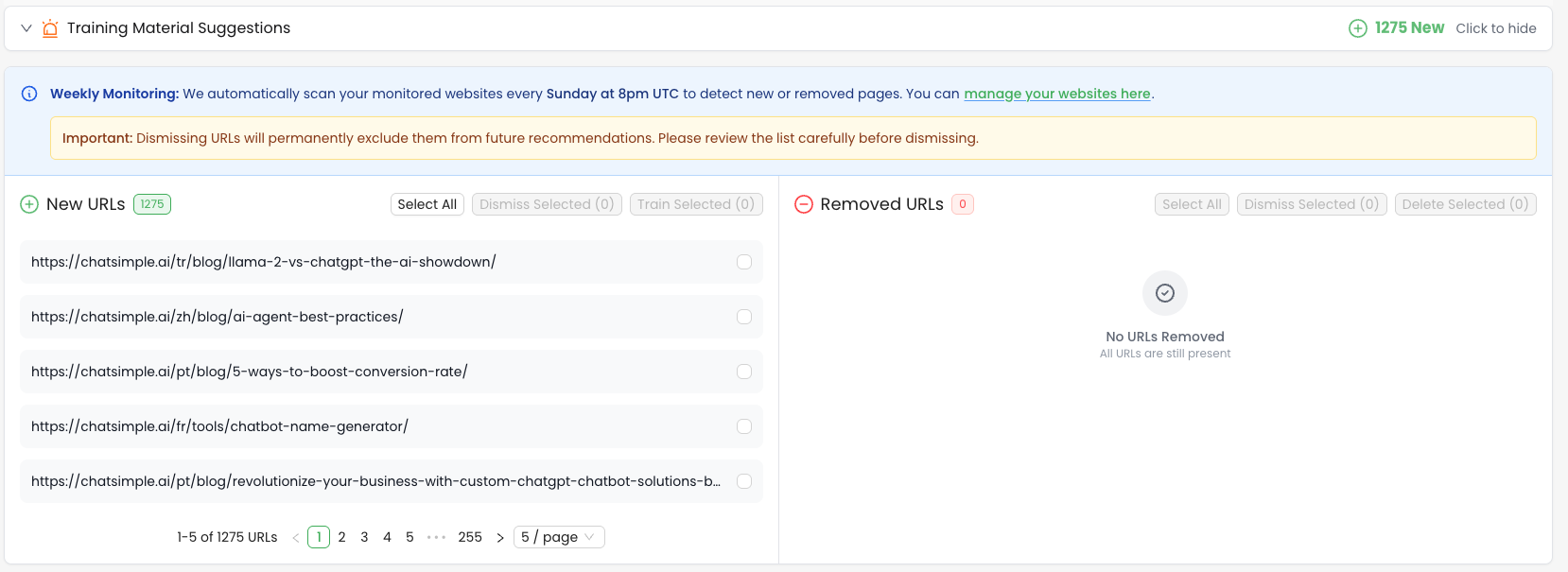 We automatically scan your monitored websites every Sunday at 8 PM UTC to detect:
➕ New pages (e.g., new blog posts or product announcements)
➖ Removed pages (no longer available content)
You can choose to train newly discovered URLs or dismiss them.
We automatically scan your monitored websites every Sunday at 8 PM UTC to detect:
➕ New pages (e.g., new blog posts or product announcements)
➖ Removed pages (no longer available content)
You can choose to train newly discovered URLs or dismiss them.
⚠️ Important: Dismissing a URL will permanently exclude it from future suggestions. Please review carefully before confirming.