

Objective
This SOP outlines the steps to integrate expertise booking with HubSpot and chatbots to ensure lead capture files are populated correctly.Key Steps
1. Ensure Calendar Connection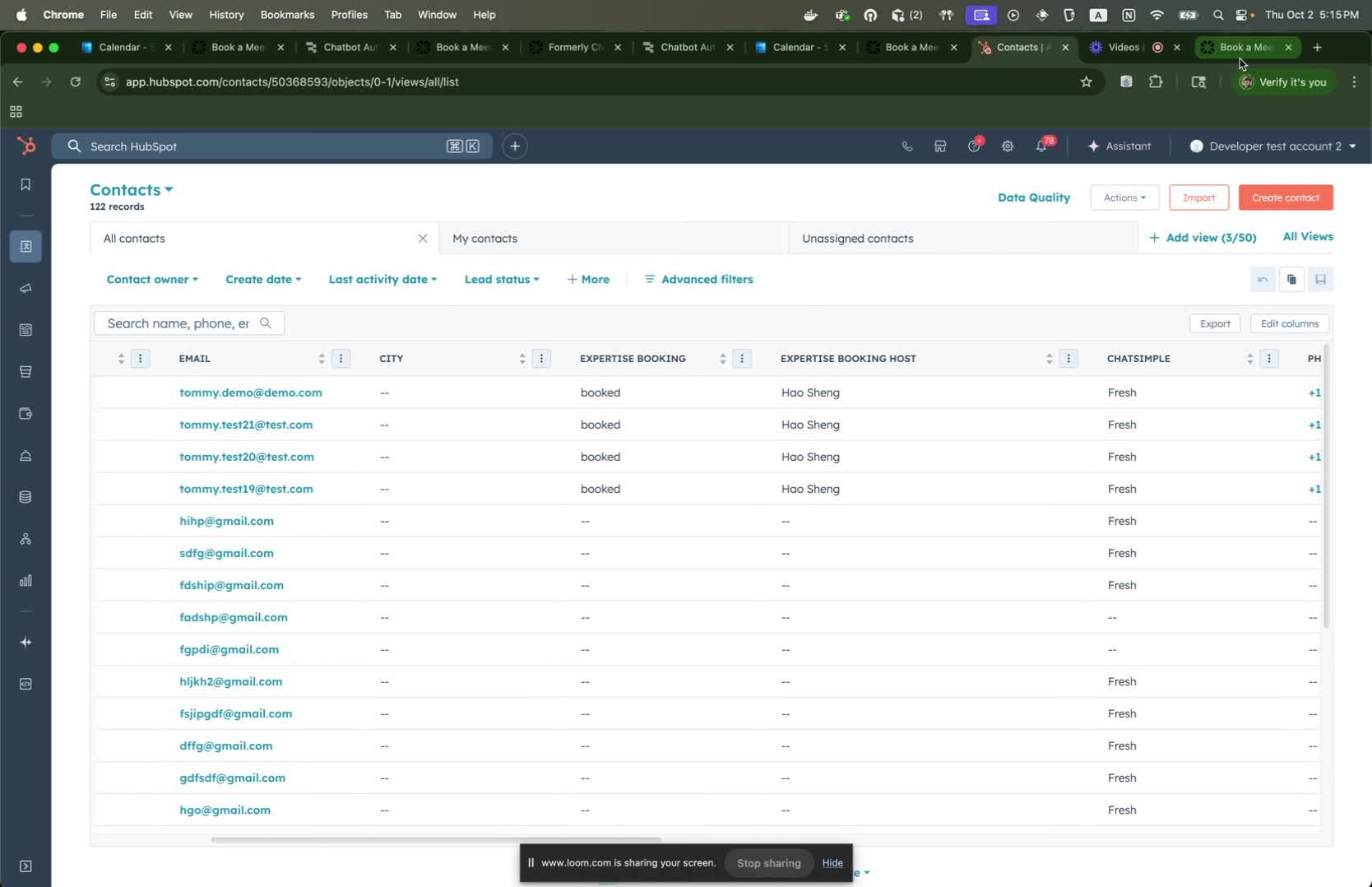
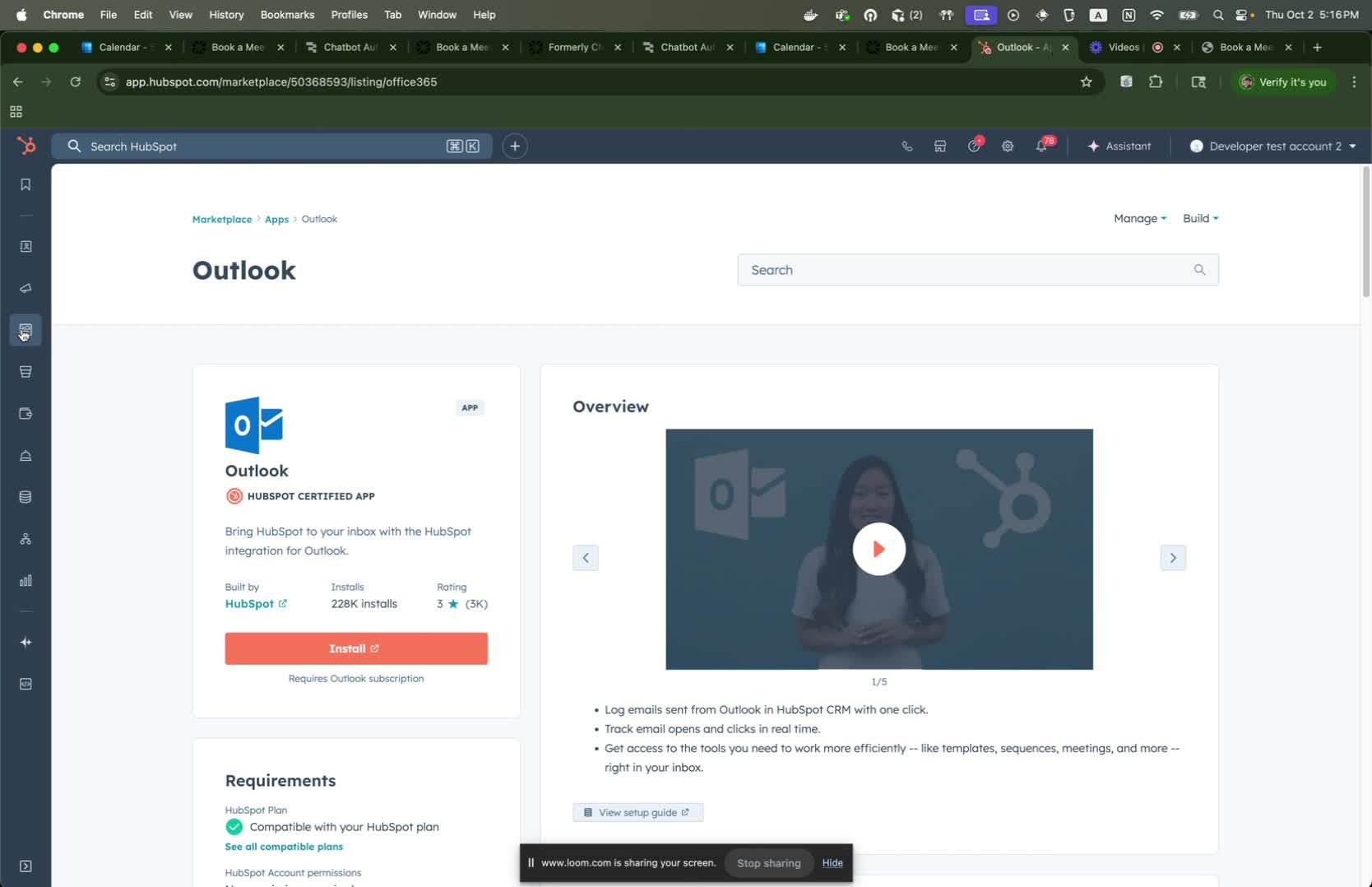
- Verify that your calendar (e.g., Outlook) is connected to Expertise Booking.
- Confirm that your calendar is also connected to HubSpot.
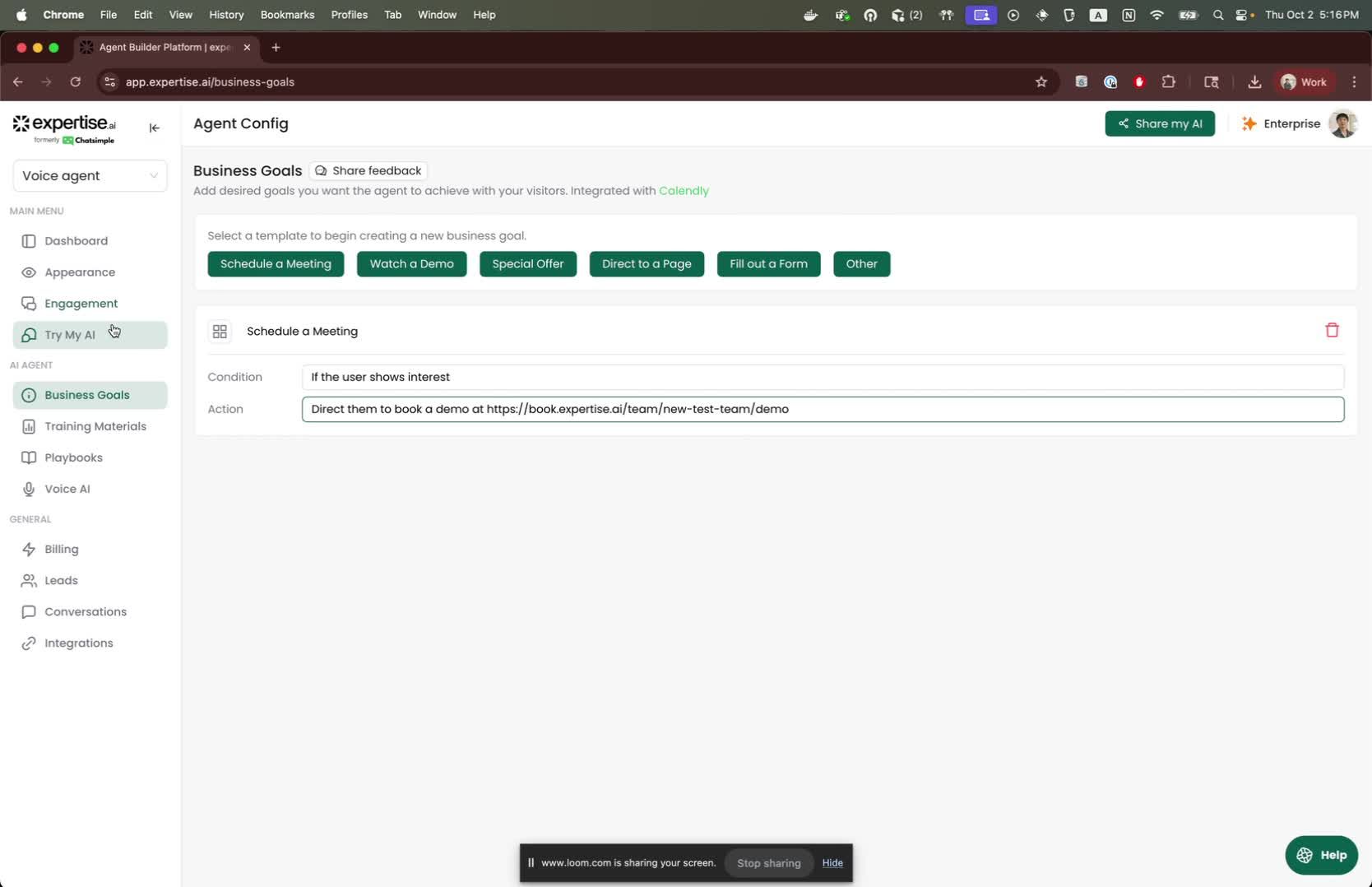
- Generate a booking link from Expertise Booking.
- Assign this link to any trained agent.
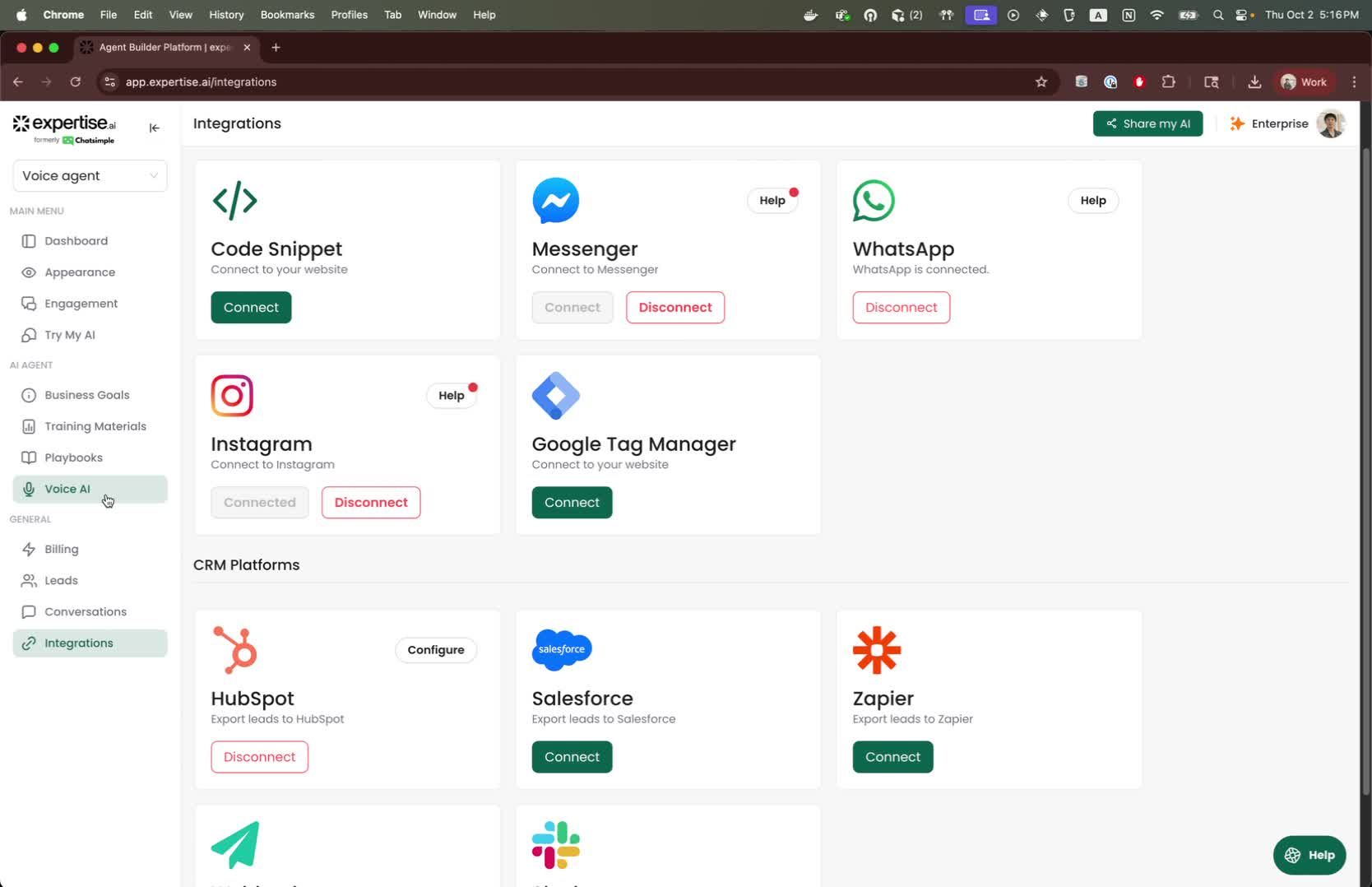
- Ensure that your HubSpot account is connected to the RAA agent.
- Fill in the required fields:
- First Name
- Last Name
- Business Email
- Phone Number
- Include any customized questions as needed.
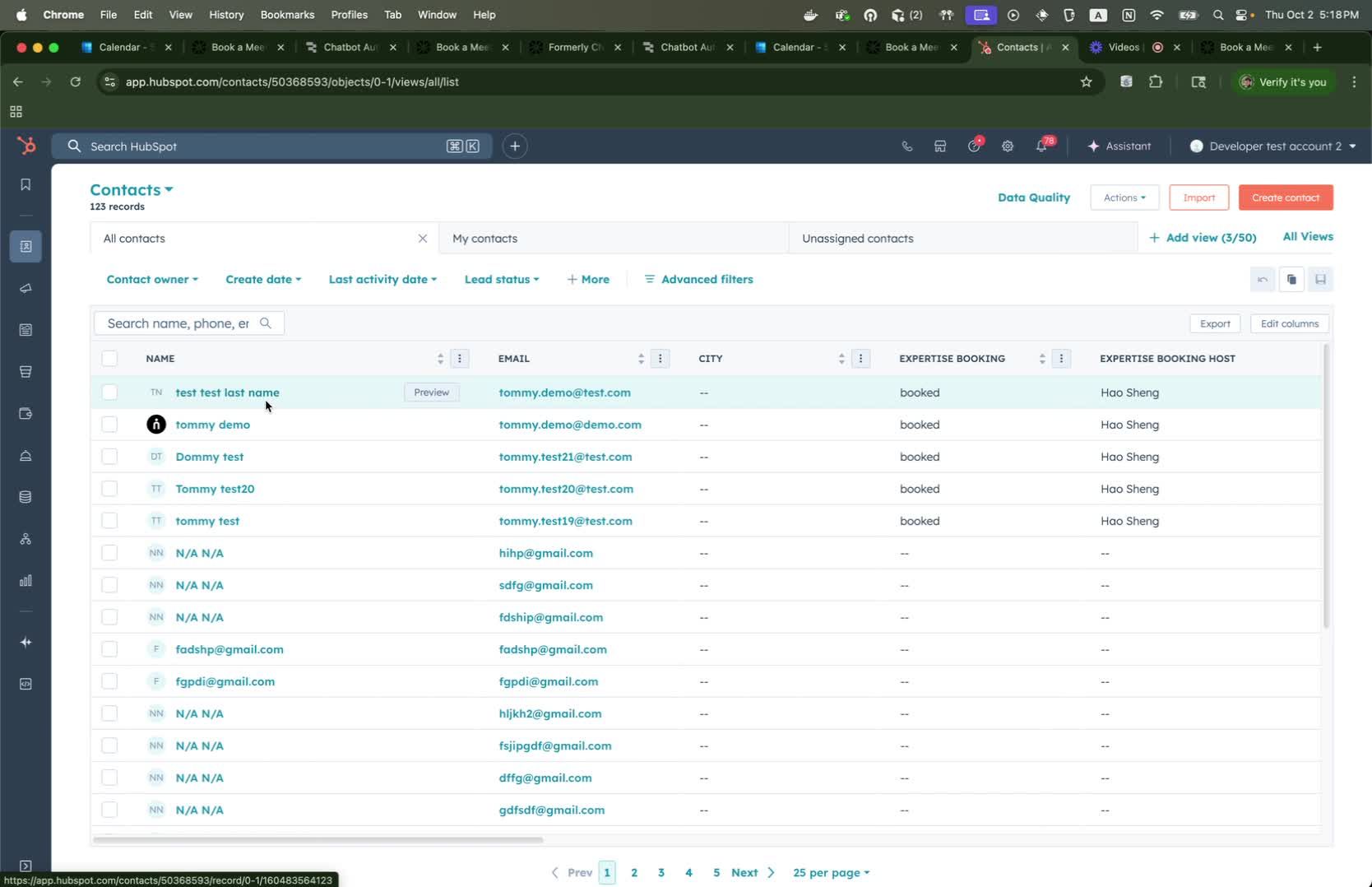
- Check HubSpot to confirm that:
- First Name, Last Name, and Email are recorded.
- The expertise booking field indicates that a meeting has been booked.
- The assigned host for the meeting is noted.
- Any customized questions are recorded.
Cautionary Notes
- Ensure all connections are properly established before proceeding with bookings.
- Double-check the accuracy of the information entered during the booking process to avoid errors in HubSpot.
Tips for Efficiency
- Regularly review and update your calendar connections to avoid disruptions.
- Train agents thoroughly on how to use the booking link to minimize errors.