

Step 1: Sign Up for an Expertise AI account
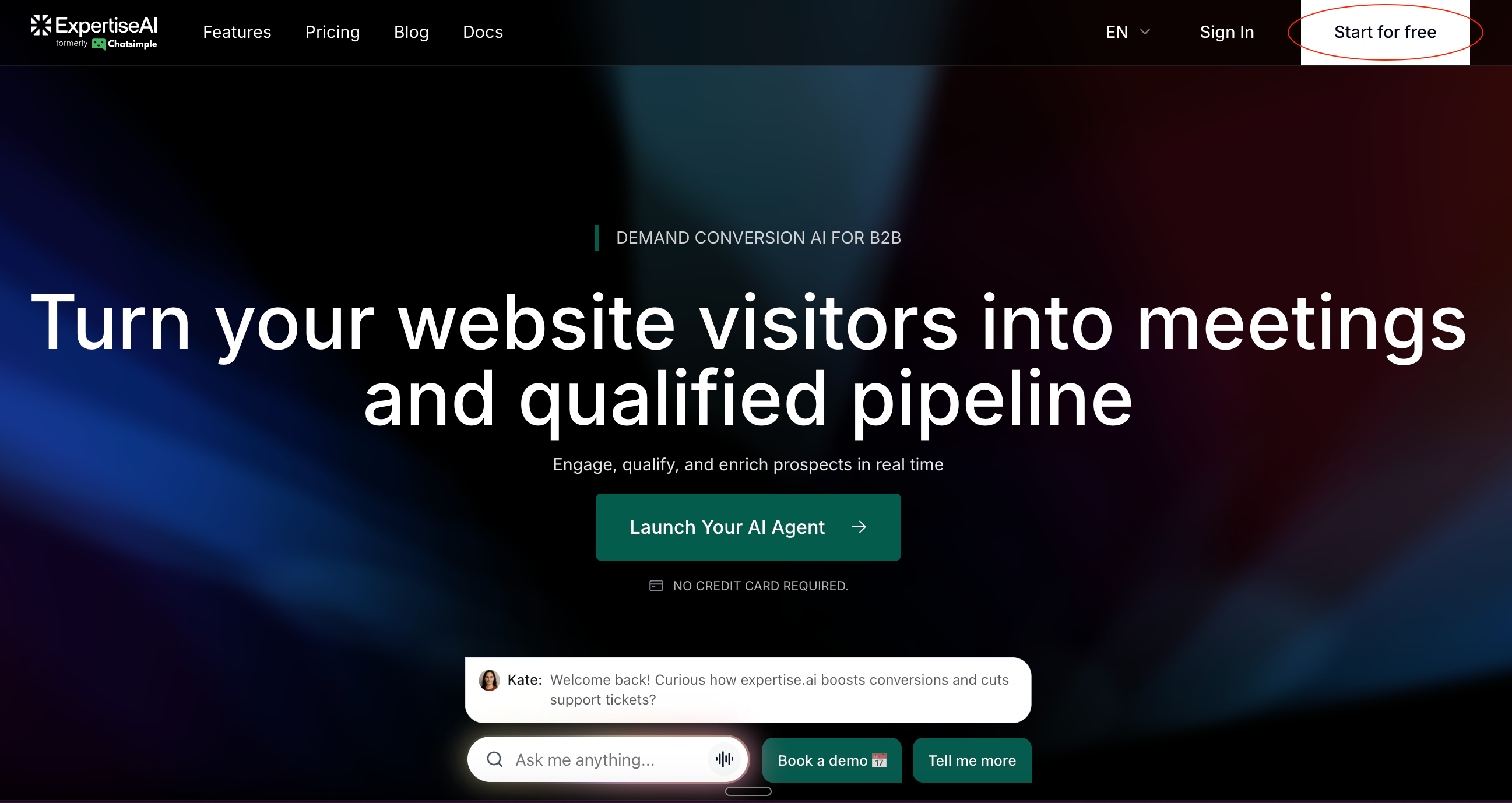
- Go to www.expertise.ai.
- Click on ‘Start for free’.
- Complete the sign-up process.
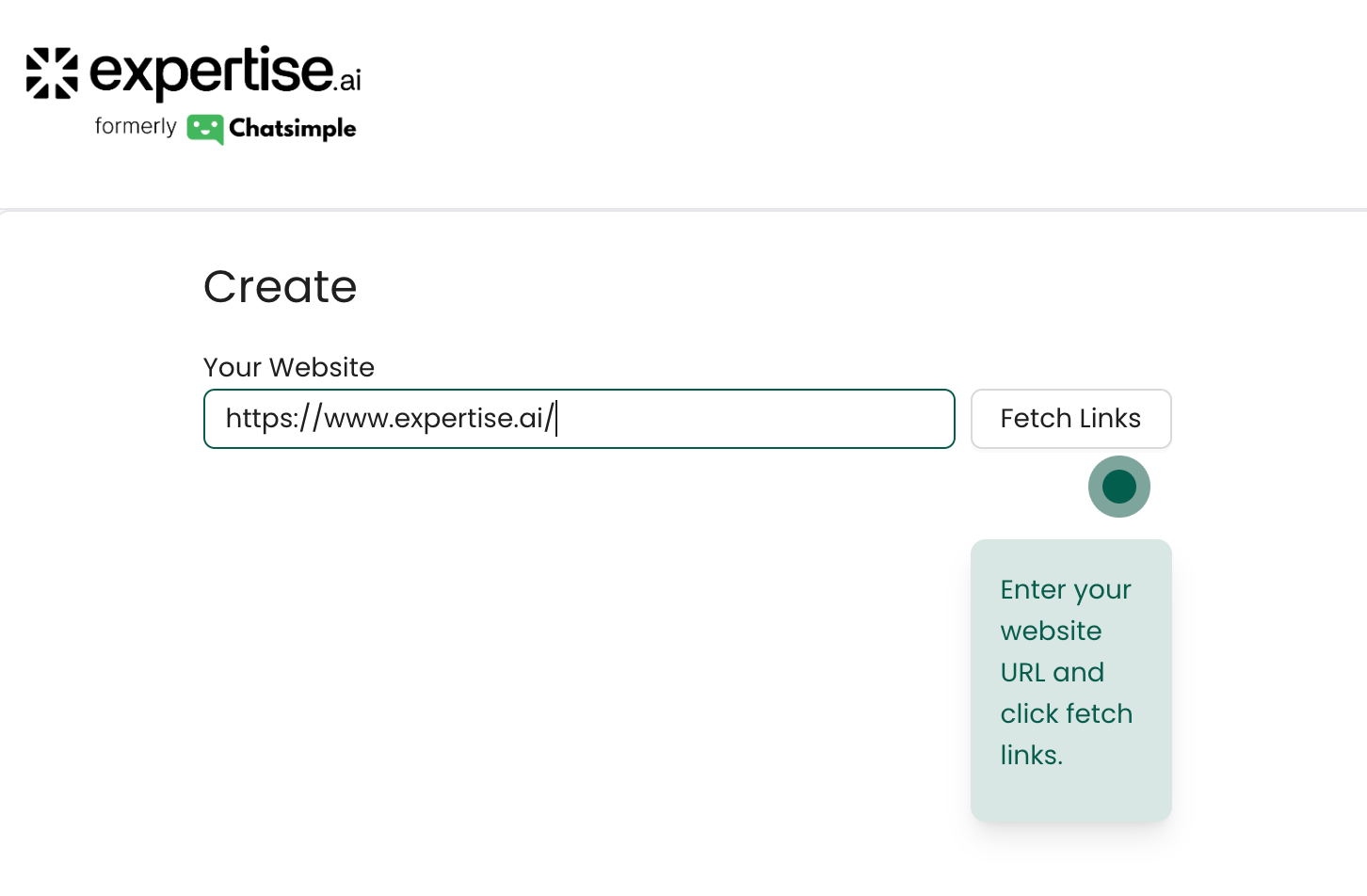
- Enter the URL of your website.
- Click on “Fetch Links” to scrape page links.
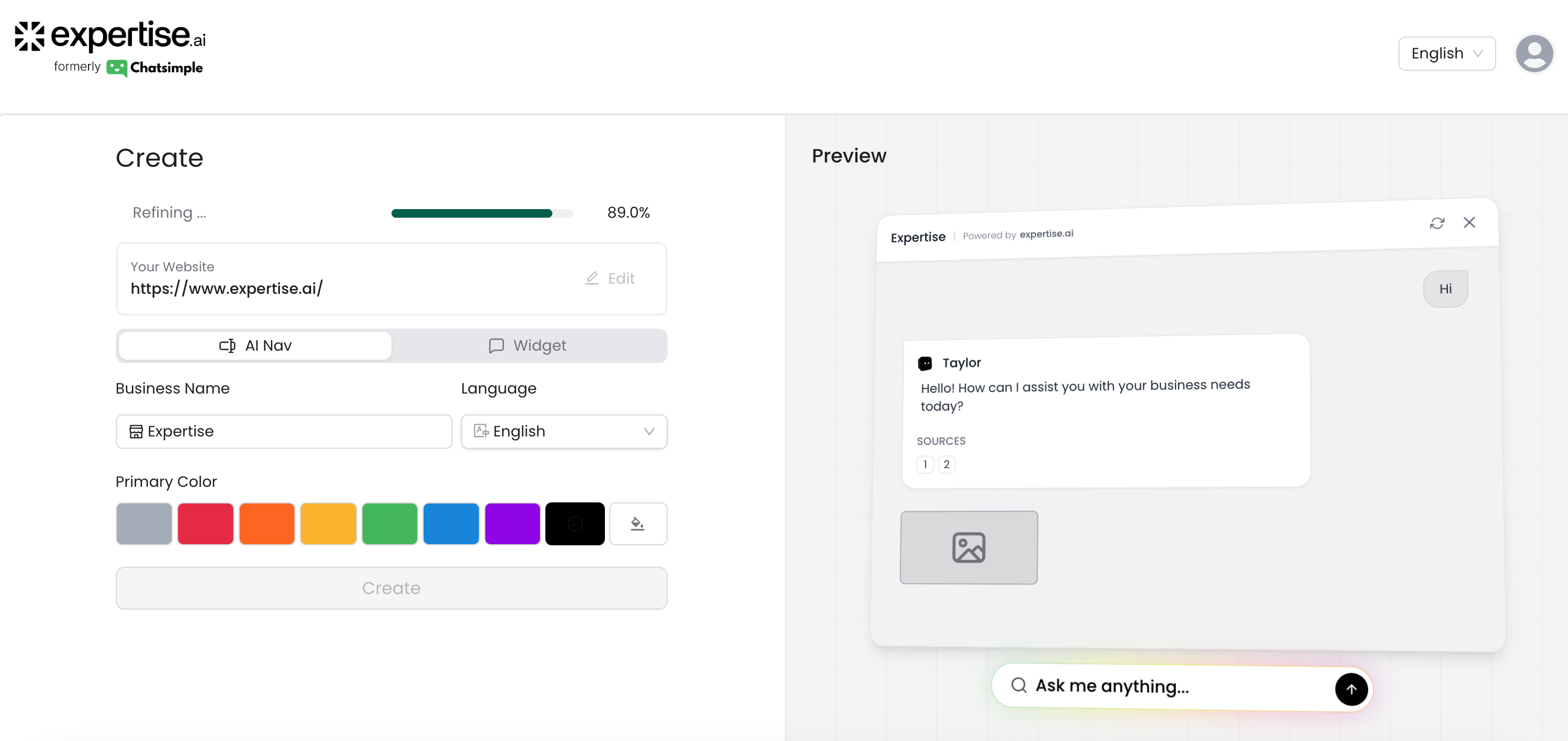
- Select a brand color that represents your business.
- Ensure that the business name displayed is correct.
- Choose between the AI Nav or Widget. (Pro Tip: AI Nav has tripled engagement for most of our users!)
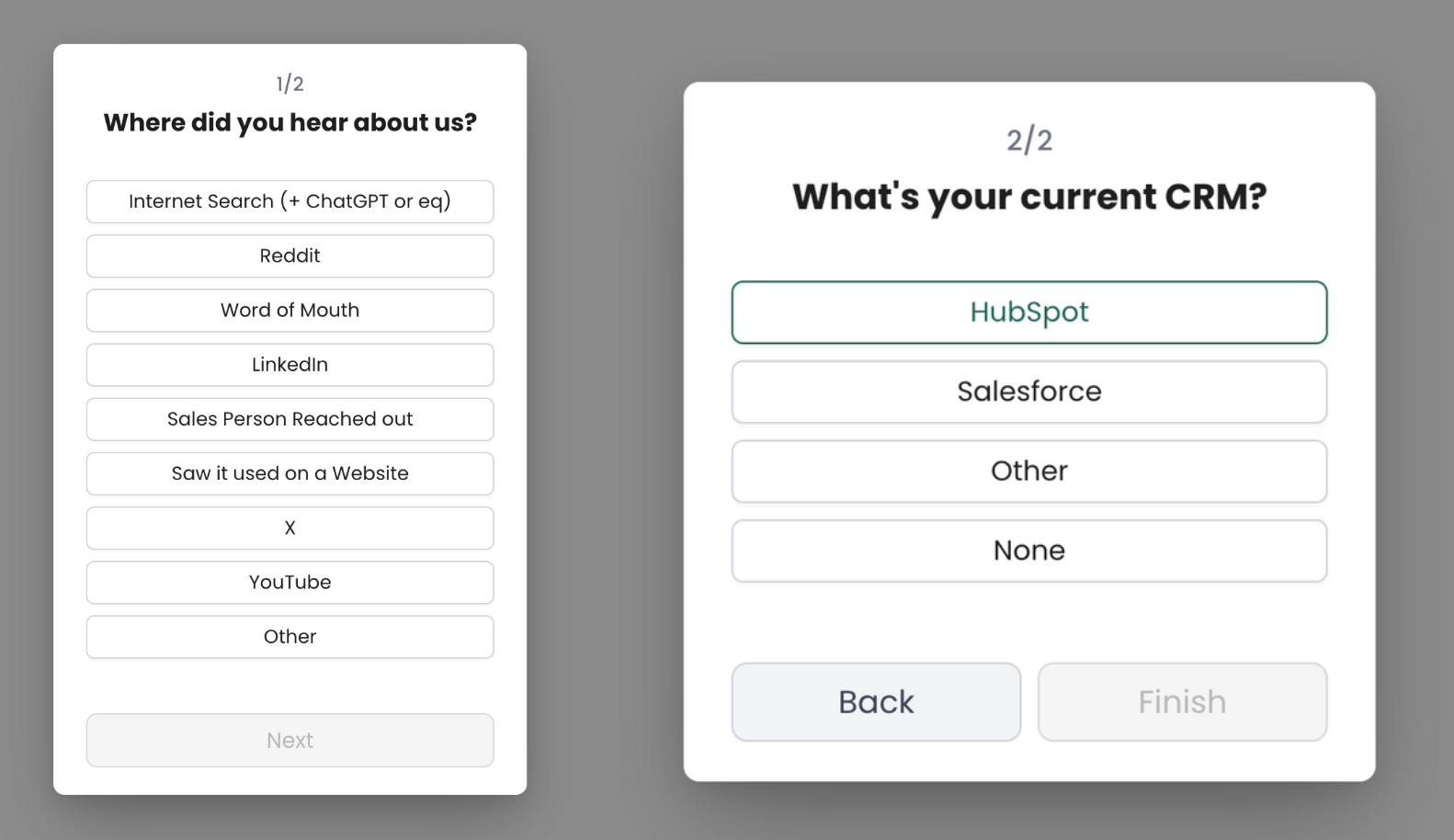
- Choose where you heard about us from.
- Choose HubSpot as your CRM.
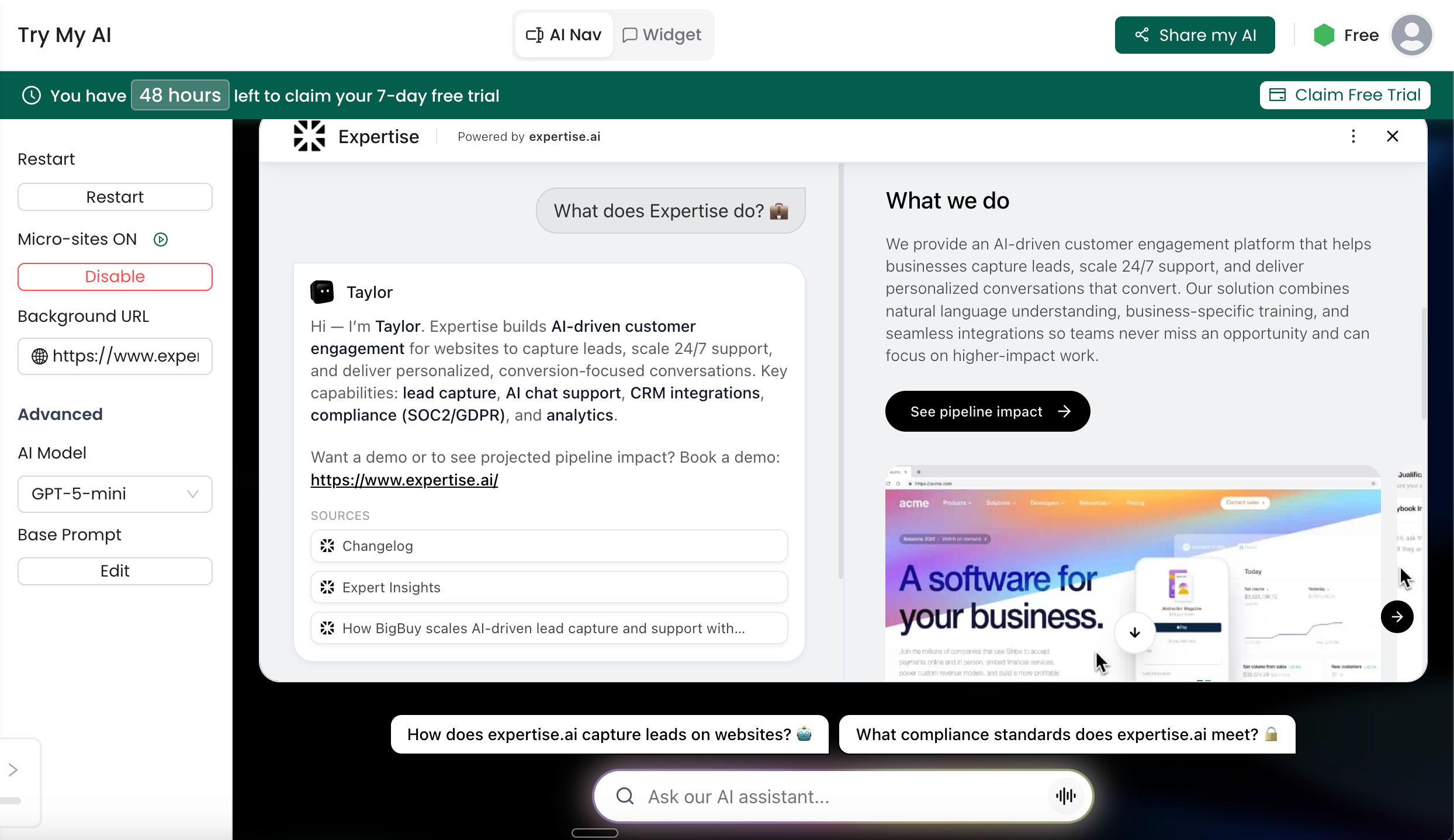
- Try your AI Agent under “Try My AI”. Cheers!