

Connecting to HubSpot
Step 1: Go to the ‘Integrations’ Tab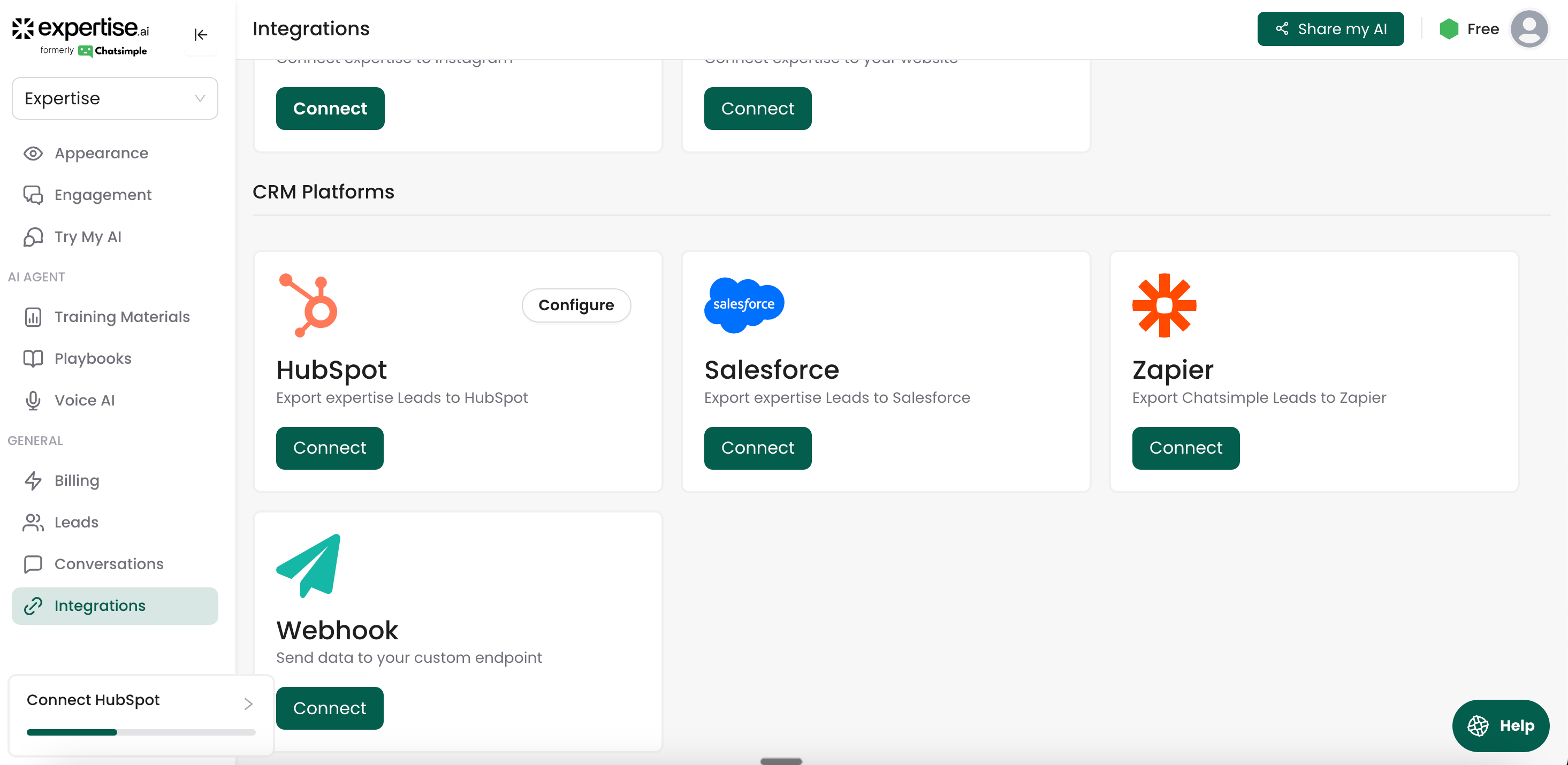
- After creating your AI Agent, navigate to the ‘Integrations’ tab.
- Look for the option to connect your agent.
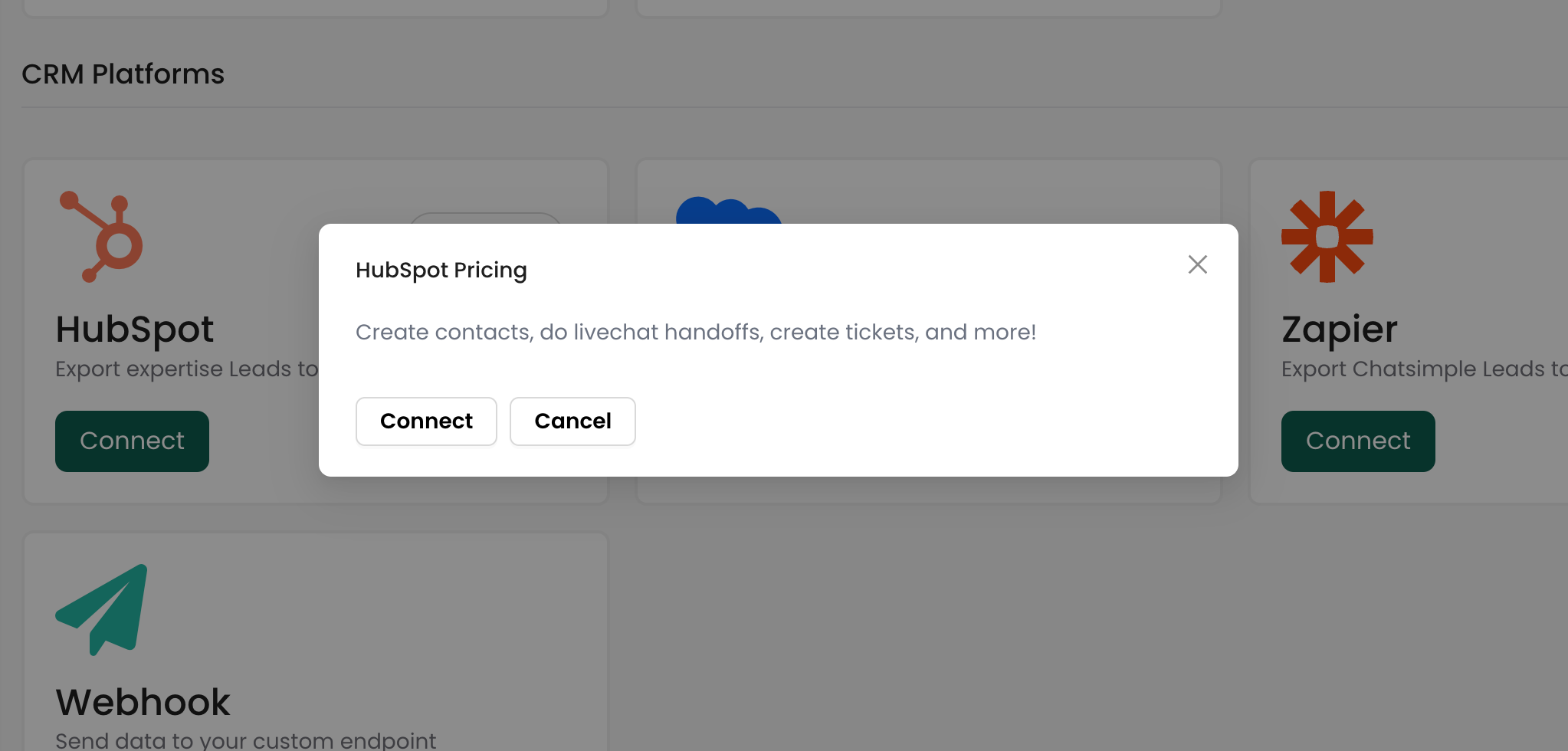
- Click on the ‘Connect’ button to start the process
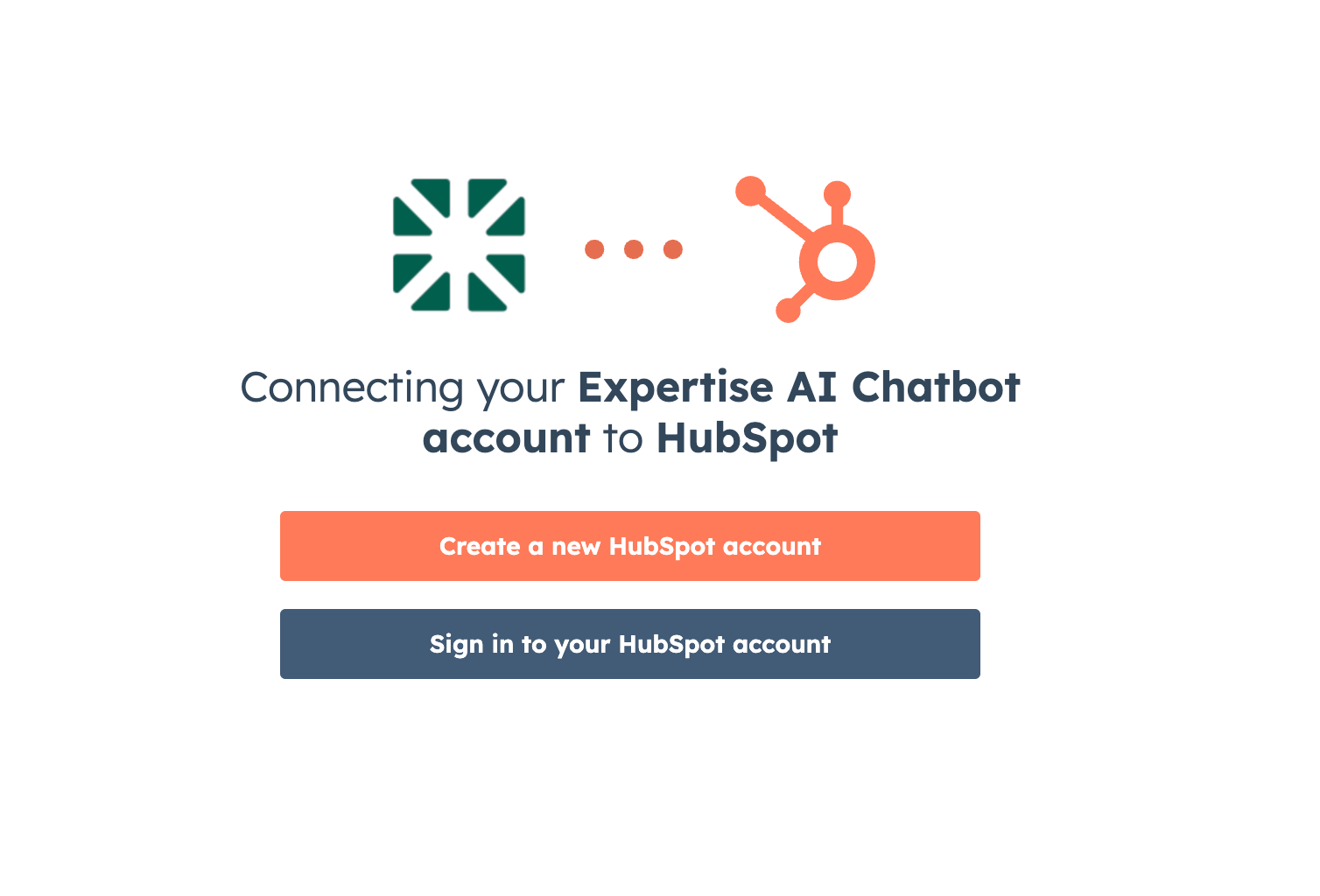
- Sign in to your HubSpot account or choose the HubSpot account you want to connect your agent to.
- Ensure you select the correct account for proper functionality.
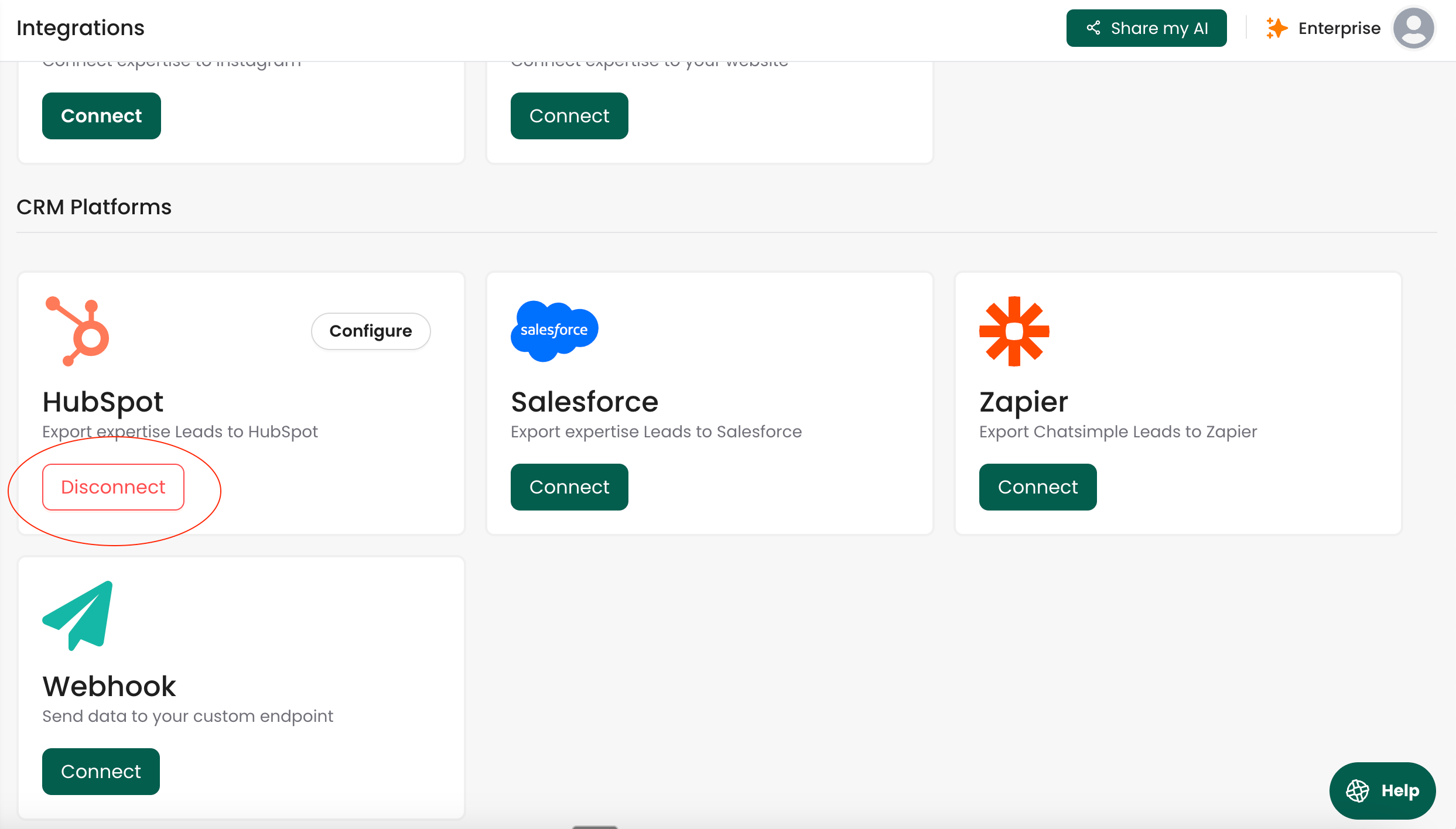
- Follow any additional prompts to finalize the connection.
- Verify that the agent is successfully connected to HubSpot.
Disconnecting from HubSpot
Step 1: Disconnect inside Expertise AI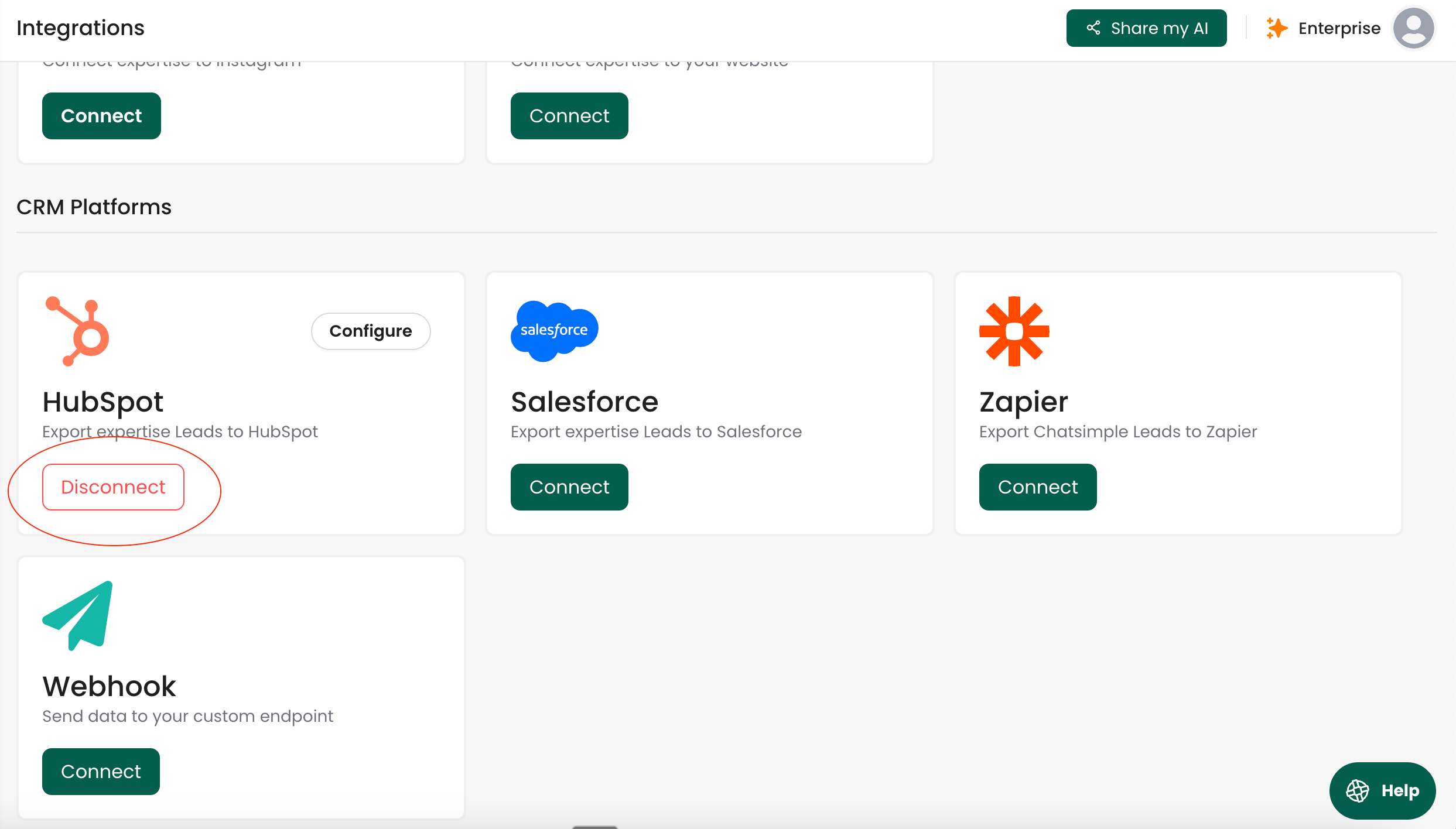
- Find the ‘Integrations’ tab.
- Find HubSpot and click Disconnect.
- Confirm the prompt. What happens:
- Data that was already synced to HubSpot stays in HubSpot.
- New contacts, conversations, and events will no longer sync to HubSpot after you disconnect.
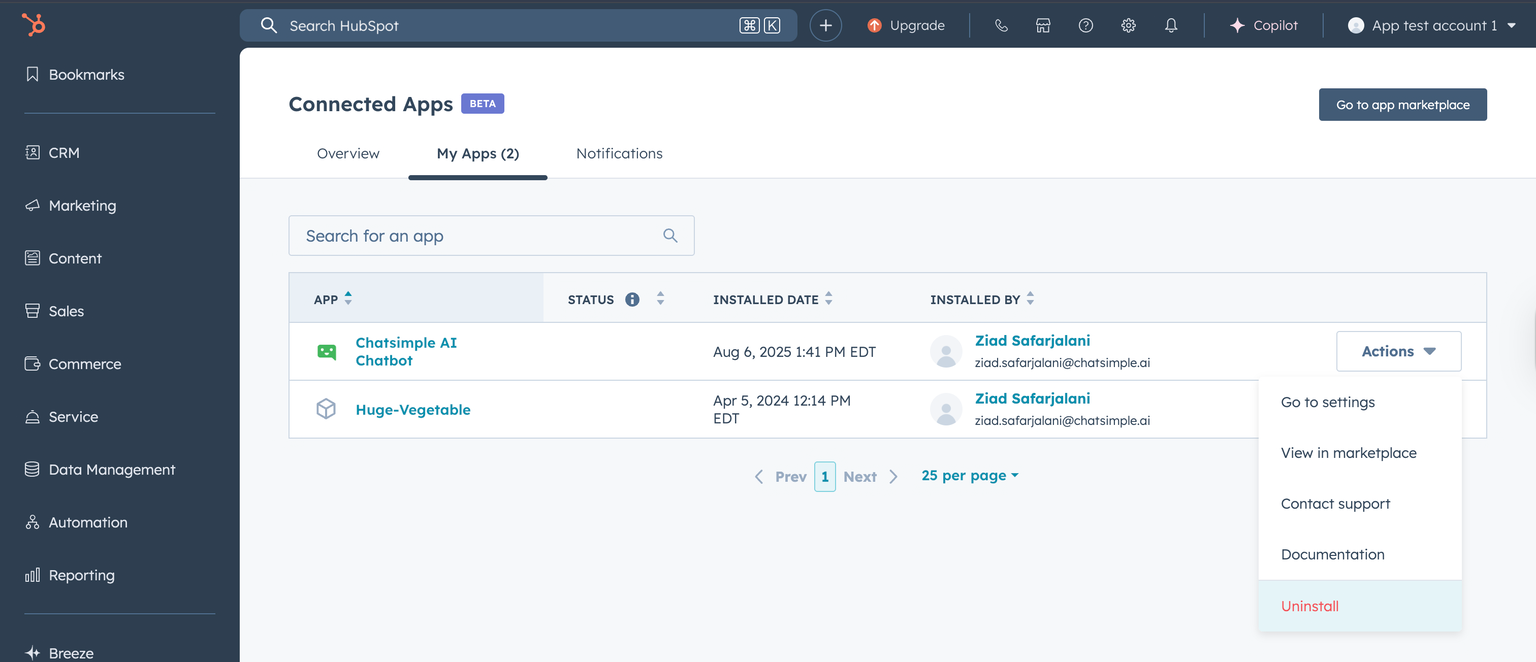
- In HubSpot, go to ‘Your Integrations’.
- Find Chatsimple AI/Expertise AI Chatbot.
- Click Actions → Uninstall and follow the prompts to complete.
Troubleshooting
- Don’t see the app in HubSpot? Make sure you’re in the correct portal and have App Marketplace permissions.
- Still seeing data sync after uninstall? Verify the app is removed in Connected apps and that the integration shows disconnected in Expertise AI.