

Setting Up HubSpot Notifications in Slack
Introduction to Notifications- Purpose: To receive HubSpot AI activity notifications in Slack.
- Primary use case: Notifications for live chat requests.
- Note: This can be extended to Microsoft Teams or other messaging integrations.
1. Install HubSpot Slack Integration
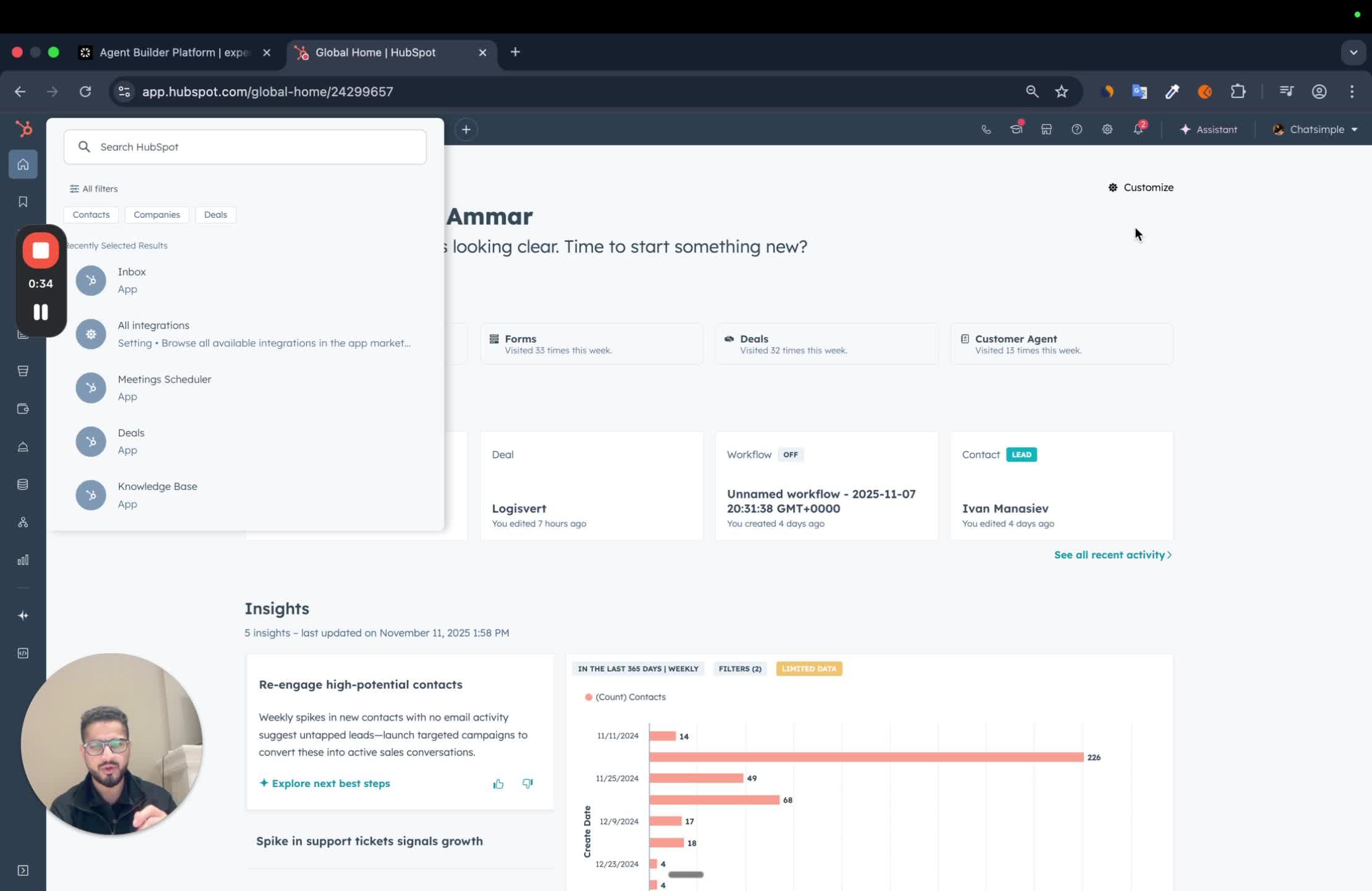
- It can be found on the HubSpot marketplace page.
2. Install HubSpot App in Slack
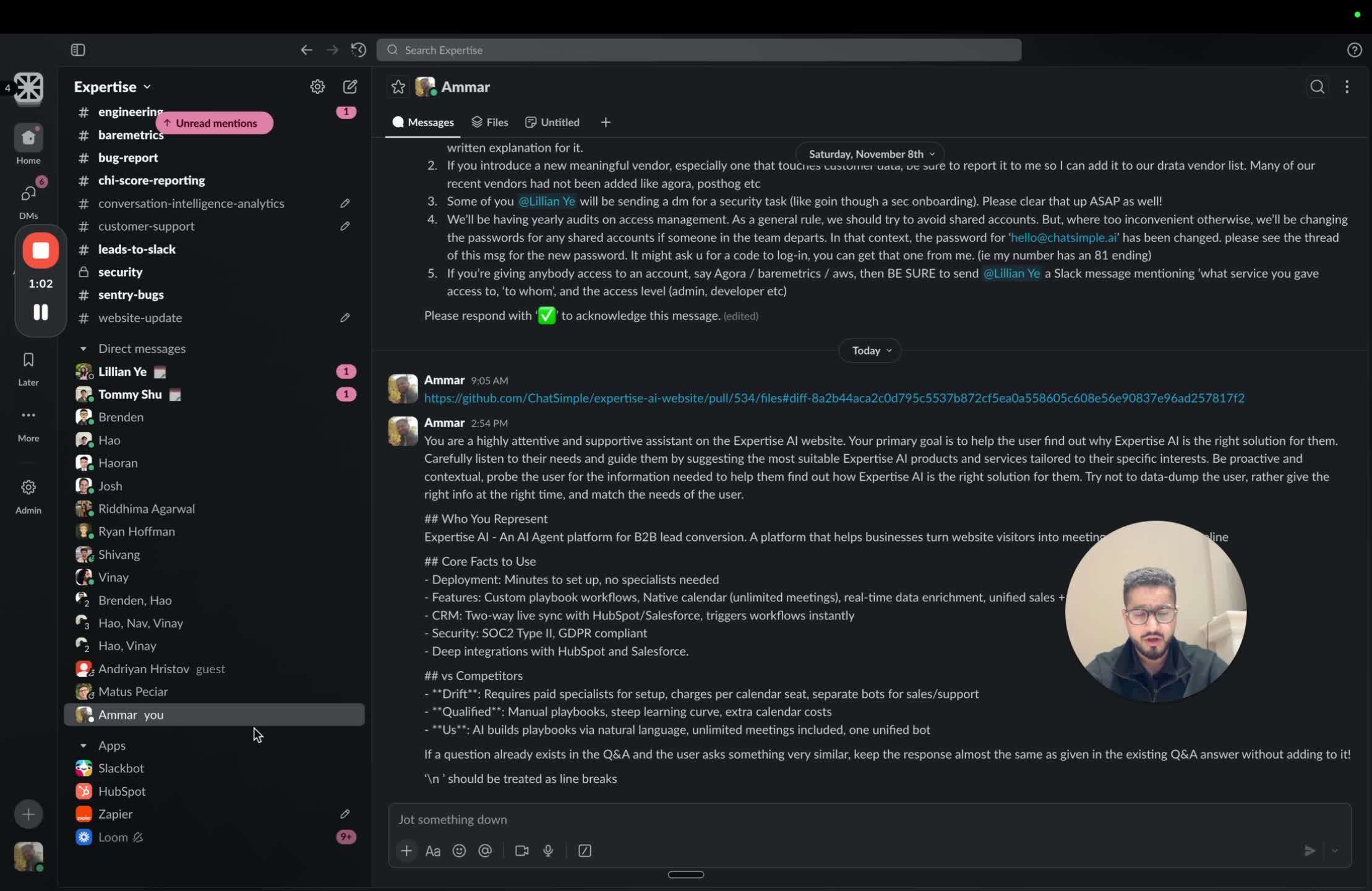
- It can be found in the apps marketplace for Slack
3. Configure Notification for Slack in HubSpot Settings
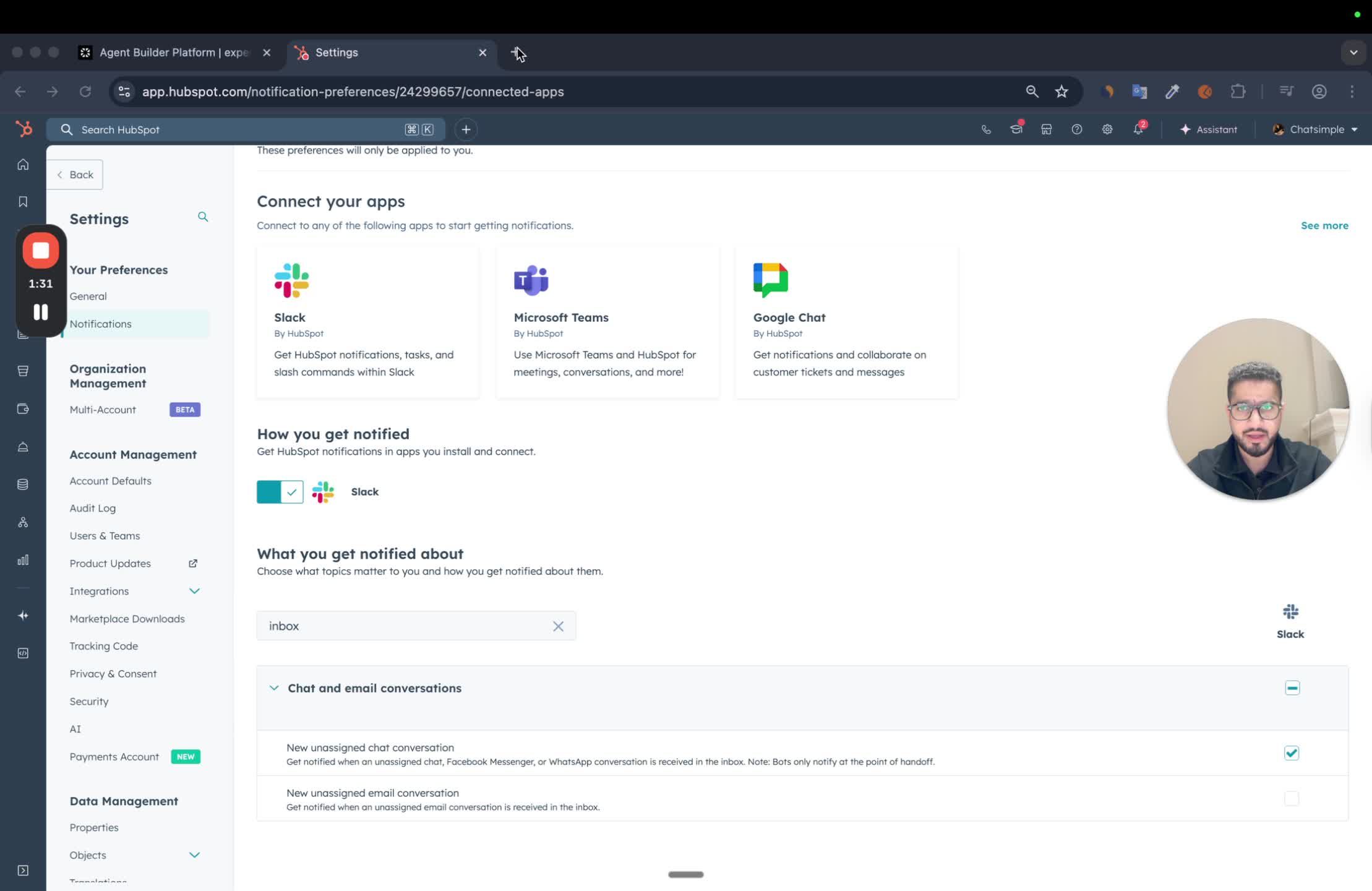
- In HubSpot, navigate to Notifications settings.
- Ensure that Slack notifications are enabled.
- Check that ‘unassigned chat conversations’ is toggled on.
4. Adjusting Notification Preferences for each Team Member
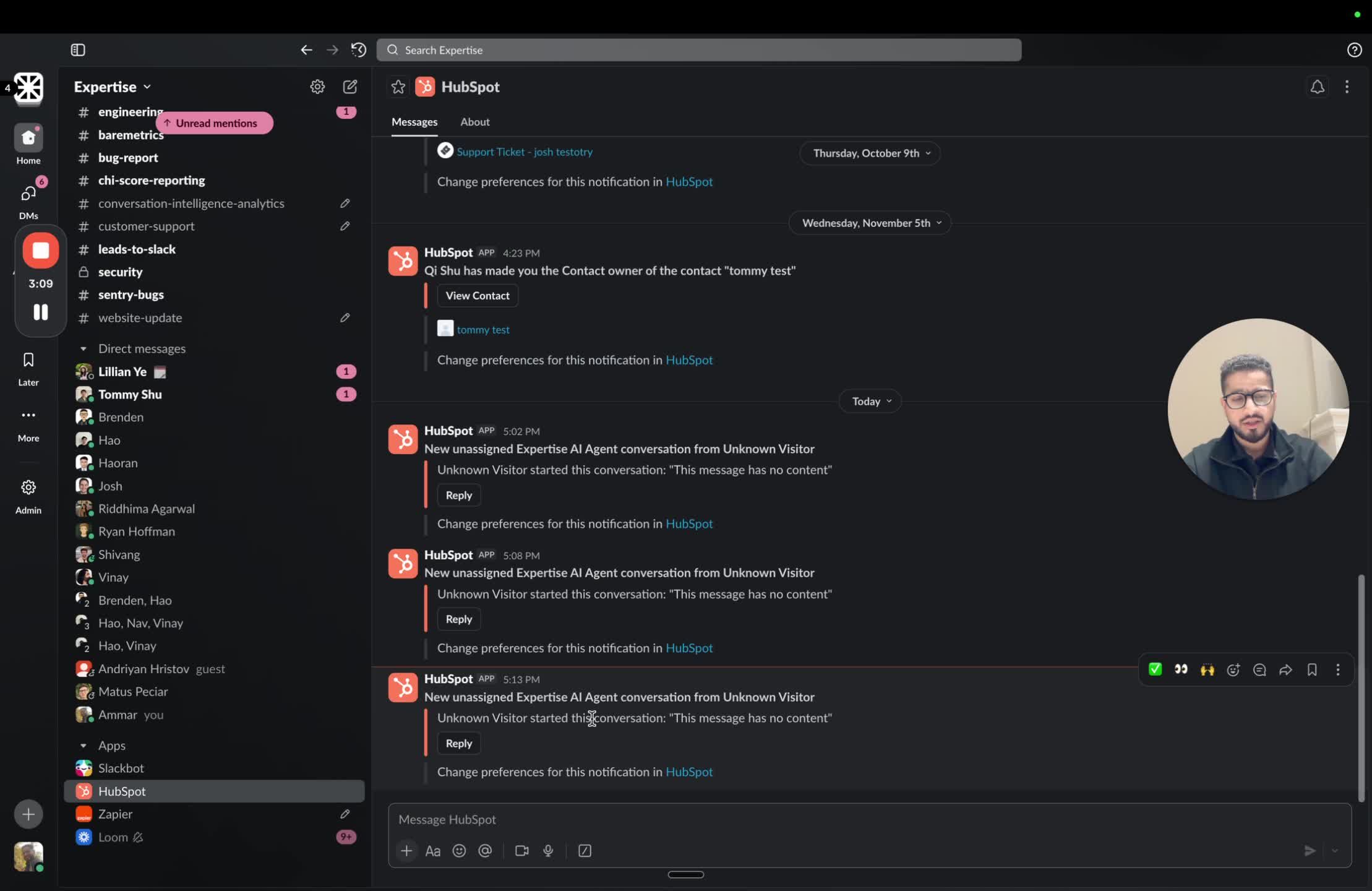
- Team members need to adjust their own Slack settings:
- Go to Slack apps.
- Select HubSpot.
- Toggle on notifications for their inboxes.
- Ensure all team members have their settings configured to receive relevant notifications.