

Playbooks Introduction
1. Introduction to Playbooks
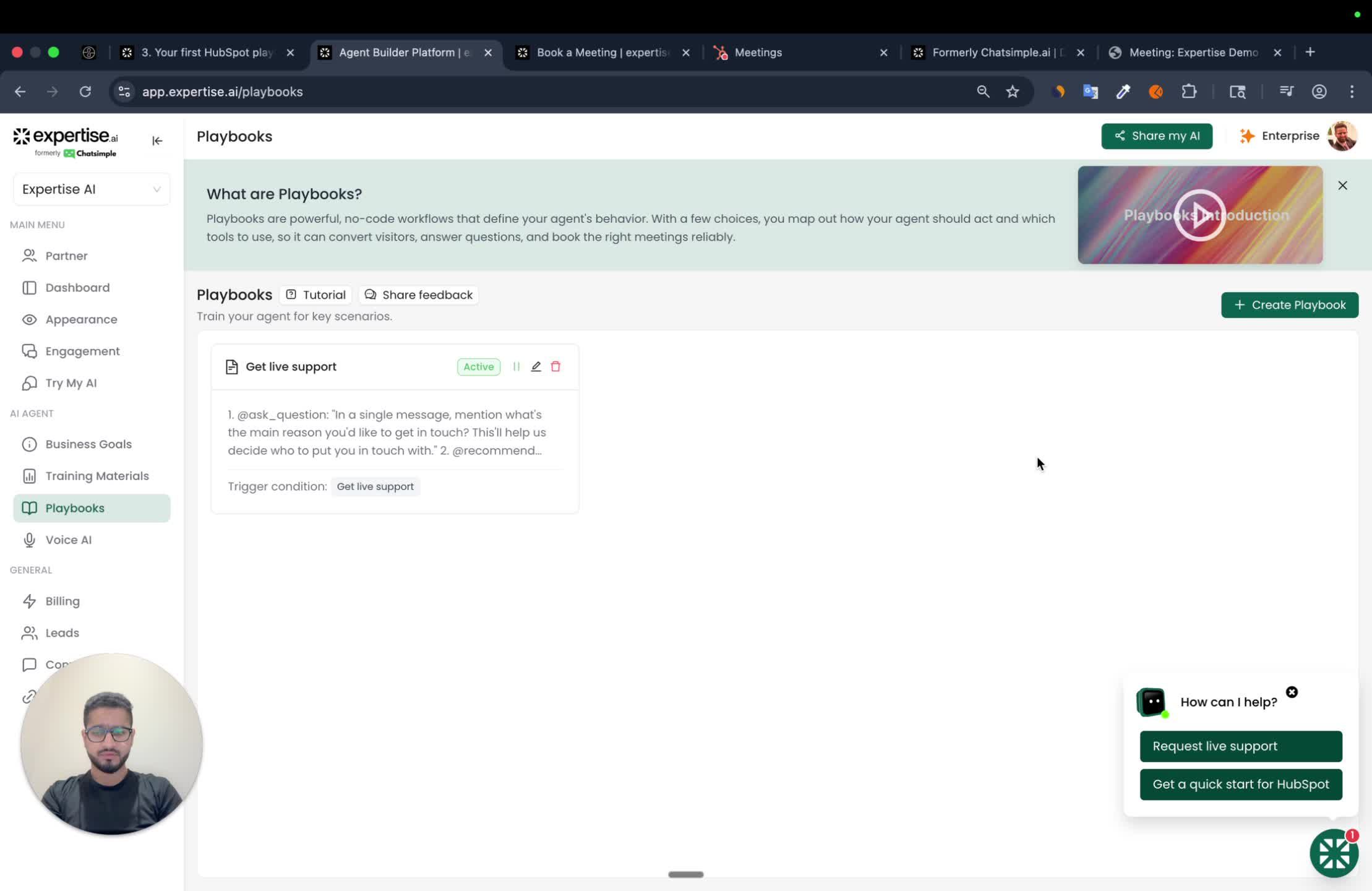
- A playbook helps your agent guide customers towards specific actions.
- Key activities include:
- Capturing contact information after qualifying leads.
- Booking meetings with relevant personnel.
- Creating support tickets or managing cases before they escalate.
- Conducting live chat handoffs.
2. Defining Trigger Conditions
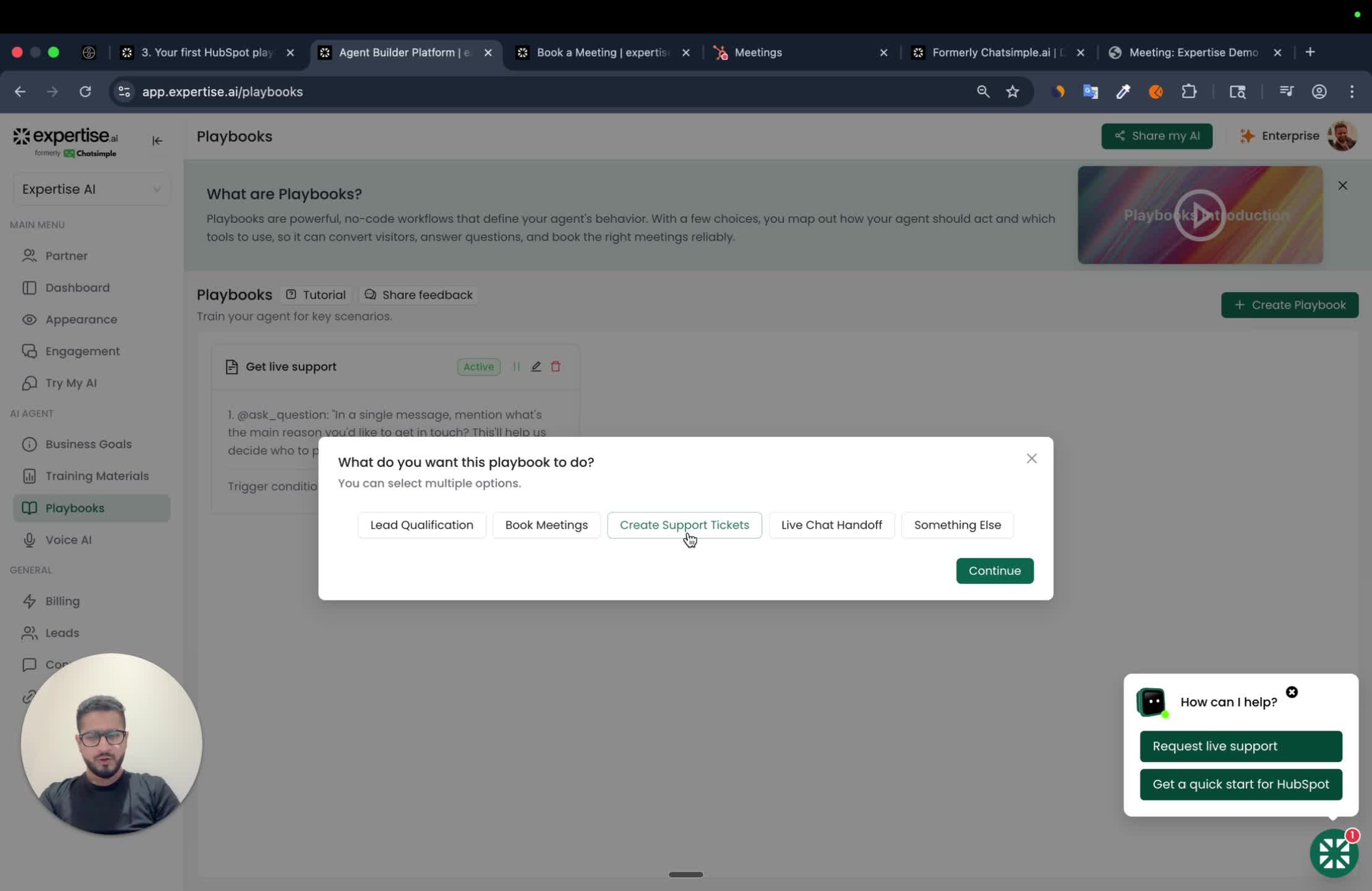
- Identify the trigger condition for the playbook.
- Example: Trigger when a customer expresses interest in booking a demo.
- The AI agent recognizes phrases like ‘book a meeting’ to initiate the playbook.
3. Setting Up Conversation Starters
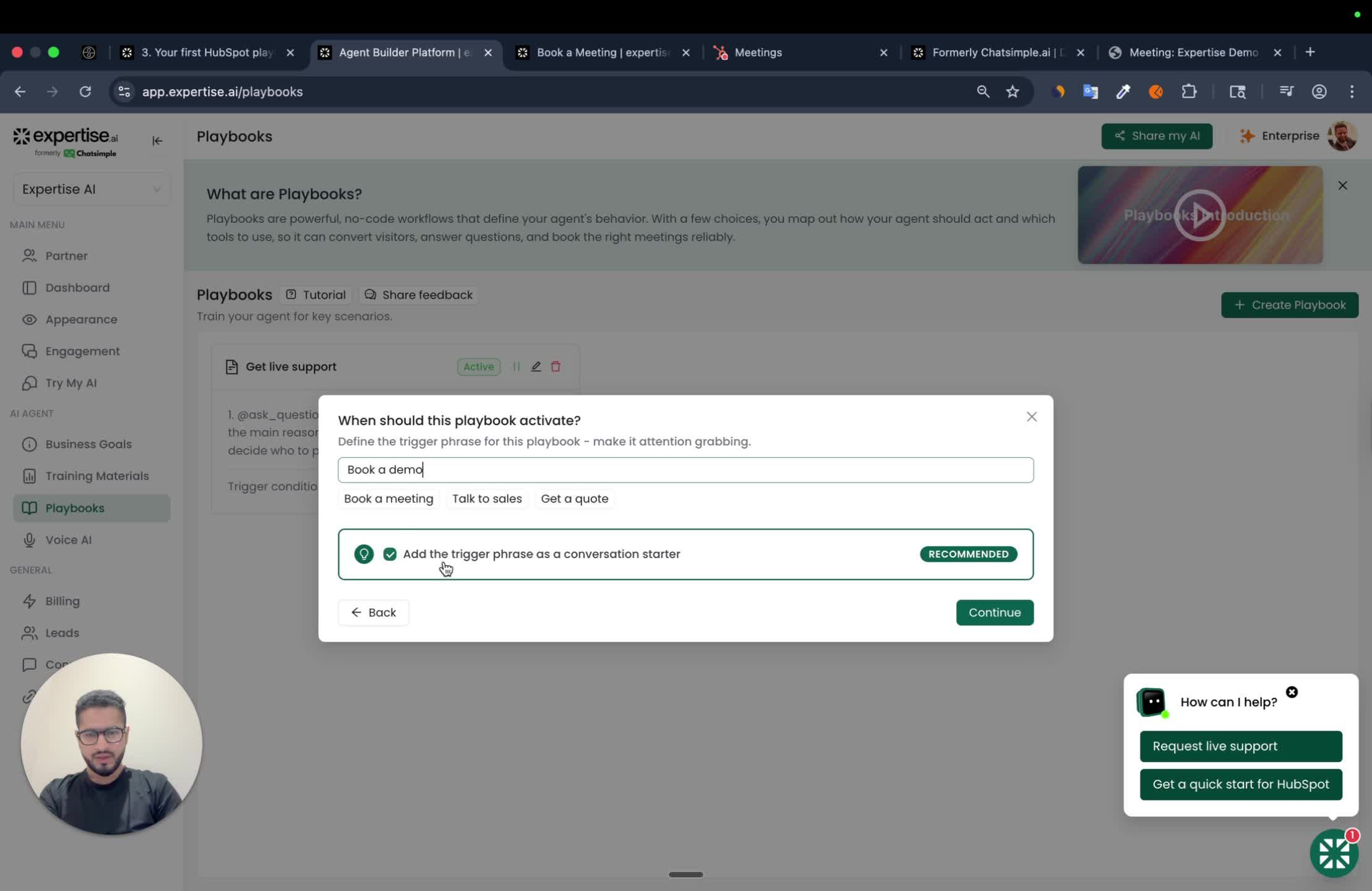
- Use trigger phrases as conversation starters.
- This makes it more likely they are discovered.
4. Calendar Integration
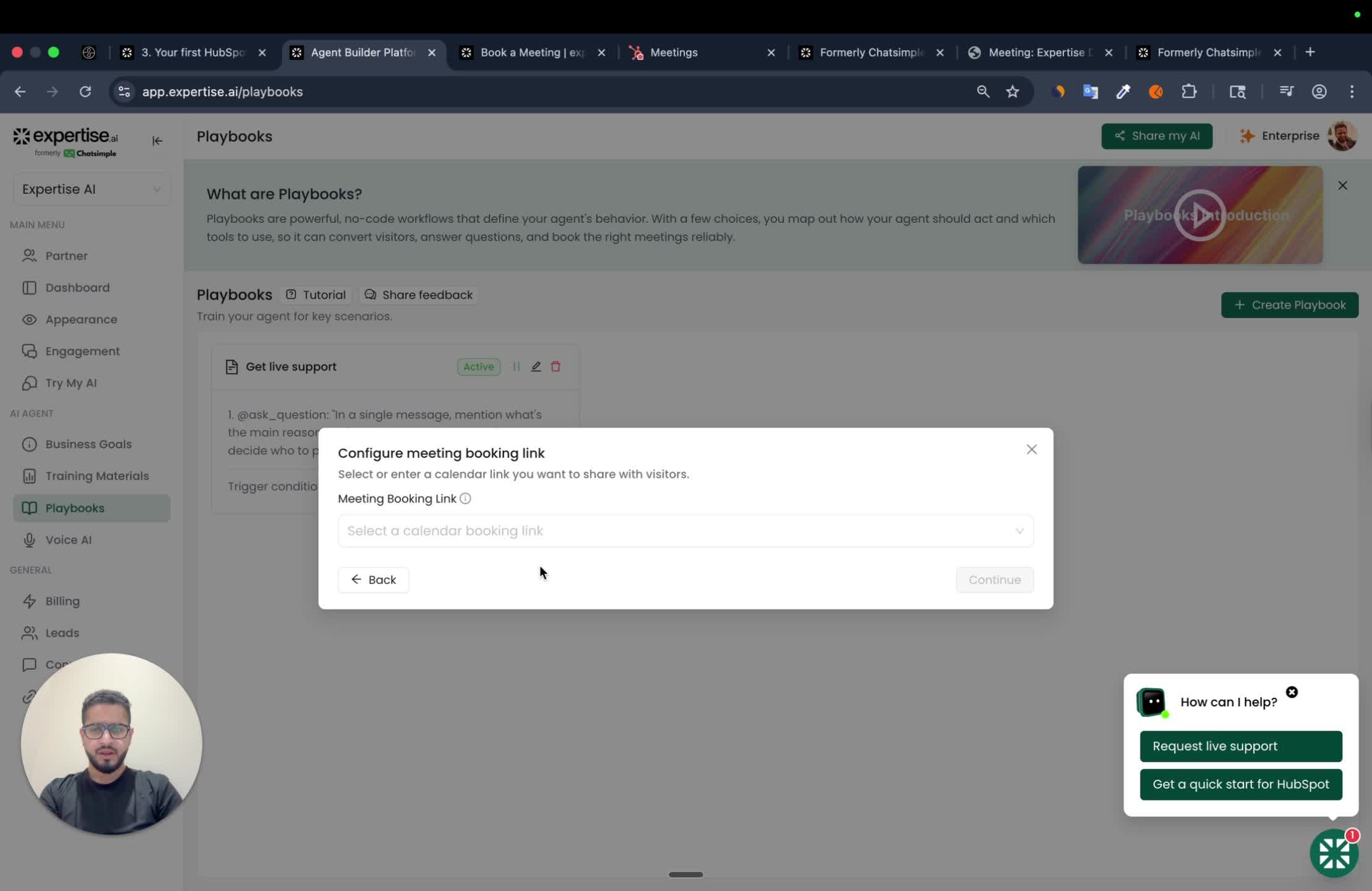
- Choose between your own calendar or HubSpot Calendar for booking.
- For this example, we will use HubSpot Calendar.
5. Analyzing Conversion Metrics
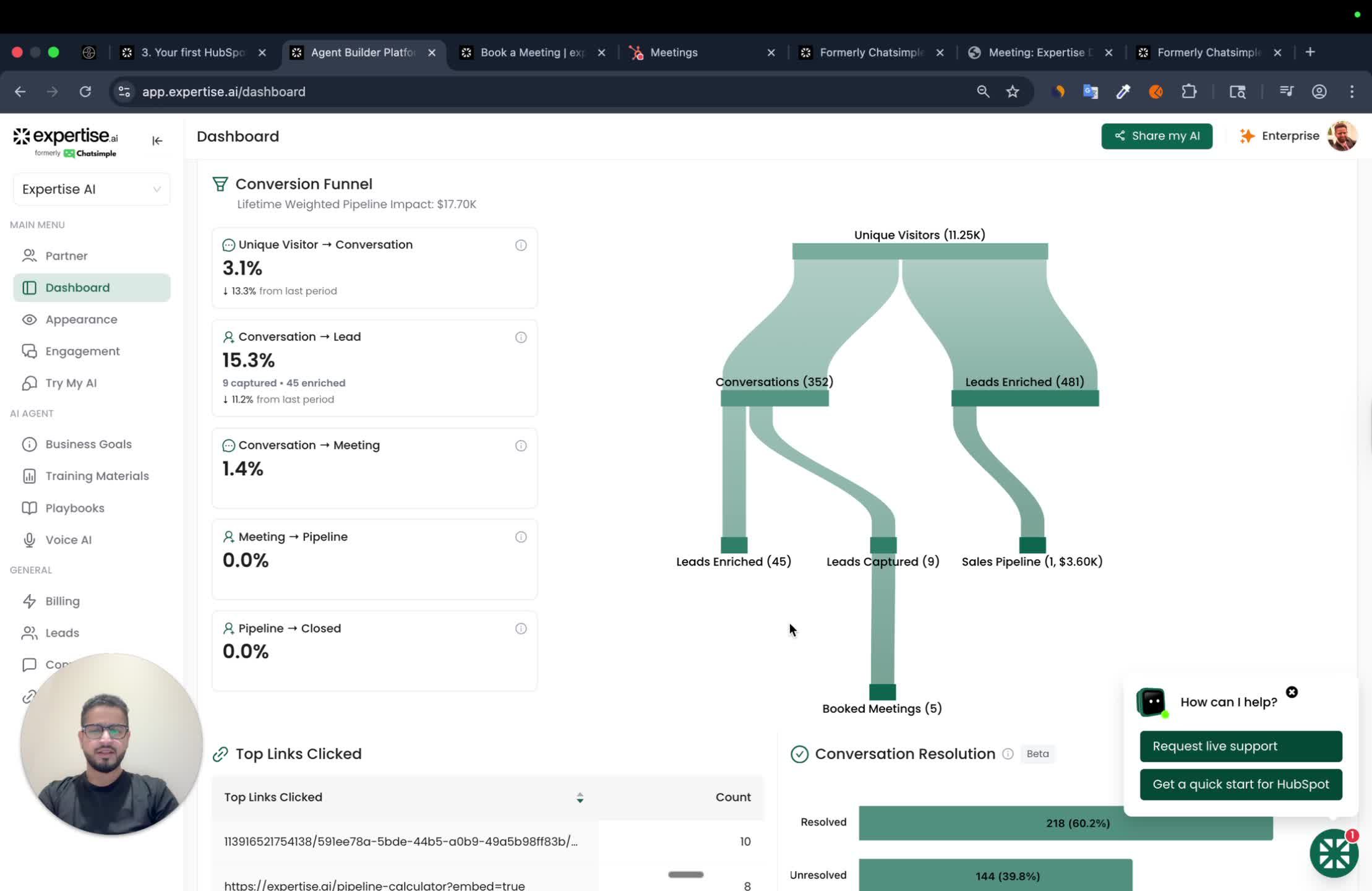
- Access the dashboard to view conversion metrics - like total leads captured or meetings booked.
- These are updated once a day.
- Getting Started with Playbooks
ℹ️ If the column only accepts specific options, ensure the ‘@show_options’ tool is used otherwise the field-mapping won’t work properly.