

- The question is not covered in your training material
- The answer is strict, sensitive, or requires accuracy
- You want to override or guide how the AI replies to ensure consistency When a user asks a similar question, the AI will prioritize your configuration instead of relying on trained knowledge alone.
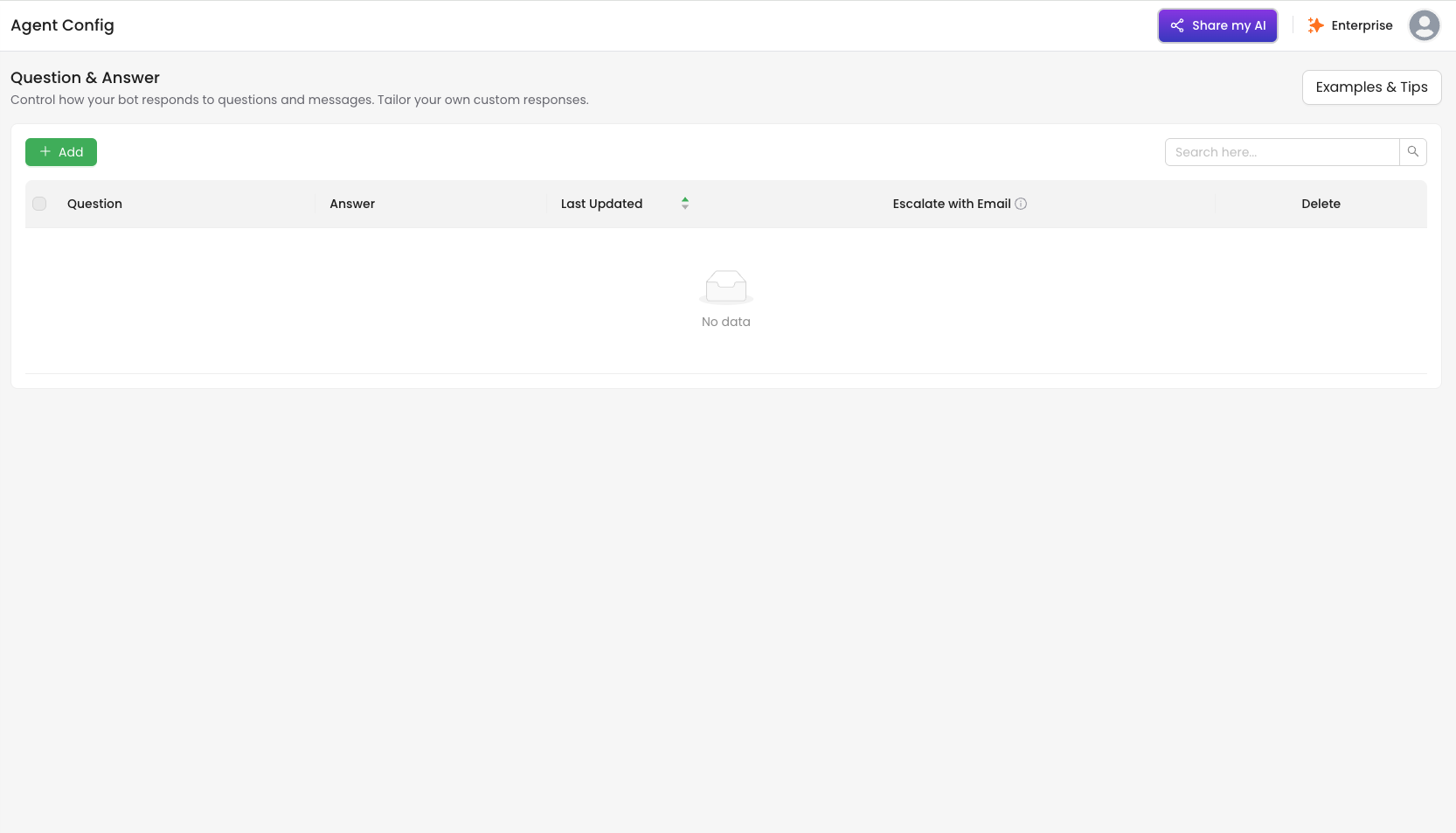
How to Use
1. Click + Add to create a new Q&A pair
- Question: Enter the typical user query (e.g., “What’s our refund policy?”)
- Answer: Enter either:
- An exact answer the AI should return
- A guideline to help the AI generate an appropriate response (e.g., “Explain the refund policy briefly and include the 7-day limit.”)
2. Toggle Escalate with Email (Optional)
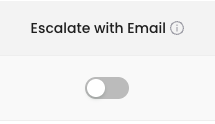 Enable this switch if you’d like to be notified by email whenever the AI receives this question (or a similar one).
This is ideal for monitoring sensitive questions or getting alerts for VIP-related queries.
Enable this switch if you’d like to be notified by email whenever the AI receives this question (or a similar one).
This is ideal for monitoring sensitive questions or getting alerts for VIP-related queries.